 Todays app is one that has help keep me interested in running. When I started last my I made sure to track all my runs, and RunKeeper is how I did it. It’s that tracking and being able to see my progress that helped get me out there day after day even when my body protested. What’s been great is as my running has improved so has RunKeeper. RunKeeper started as an iPhone app and later moved to android, as such the android version has lagged behind the iPhone version for features. Though I’m happy to say Android has almost caught up. I have looked at the iPhone version but have only really used the Android Application.
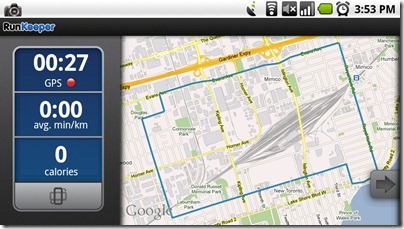
RunKeeper uses the GPS on your phone to track your outdoor actives and can provide audio feed back in real-time. With both pre-set interval announcements through the Coaching system or just regular updates of time and distance traveled. In the latest version you can even enter your indoor workouts right in the Android application, it’s been available on the iPhone and website for a while now. This allows you to track workouts on treadmill, elliptical, Stationary Bike and even Rowing Machines.
Continue reading “Mobile Mondays: RunKeeper”

At the beginning of December Angry Birds Seasons came to the Android Market Place. I had resisted the temptation to install Angry Birds since it came to android. We’ve purchased it for Melissa’s iPhone and iPod Touch so I’ve felt the addictive nature of the game. With Seasons I broke down and installed it. Many hours of my time got sucked into that game. I’m happy to report that my phone is once again Angry birds free, but I still thought I’d share my thoughts on Angry Bird Seasons for Android with my readers.
Continue reading “Mobile Mondays: Angry Birds Seasons”
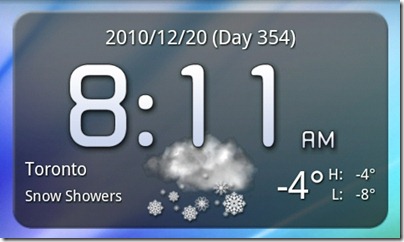
Today’s app isn’t an app at all, it’s a Widget. Fancy Widget is a simple widget that shows Time, Date and weather on your home screen. I’ve tried a few different widgets for this but overall I like the clean look of this one best. Though in truth I’m not sure if I like devoting 2 rows of my home screen to this information.
Continue reading “Mobile Monday: Fancy Widget”
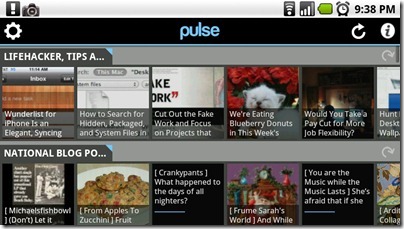
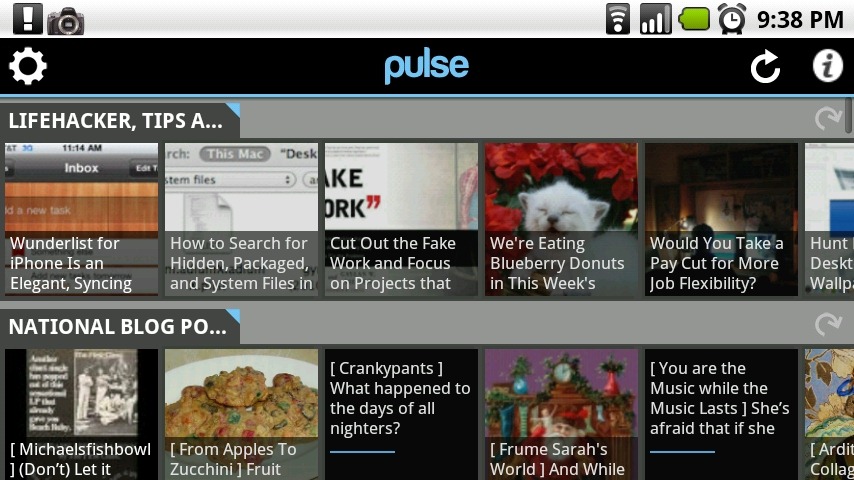
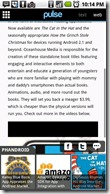 Finding a good application for reading news hasn’t been easy. I have tried a few but none of them stuck. Usually after a couple of days I’d stop using them and go back to relying on Twitter to expose me to interesting things to read. Pulse has been different, with its pretty and intuitive interface I find my self using it during most of my morning commutes to read the latest news from the sites that I like. There is a limit of 20 feeds, but I didn’t hit it till I was adding feeds for this review.
The interface is simple, you have a list of your feeds with thumbnail images of the most recent posts. You can scroll through each feed with a swipe of your finger. Choosing an article opens up a full screen view based on either the RSS or the real website of the article. The rest of the feeds articles are accessible through a pop-up panel across the bottom of the screen. The transitions are smooth and fast making for a very pleasant reading experience.
Continue reading “Mobile Monday: Pulse”
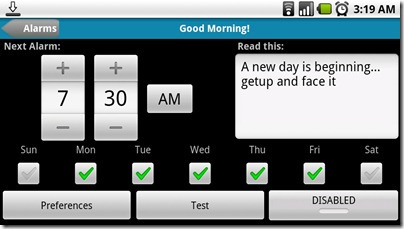
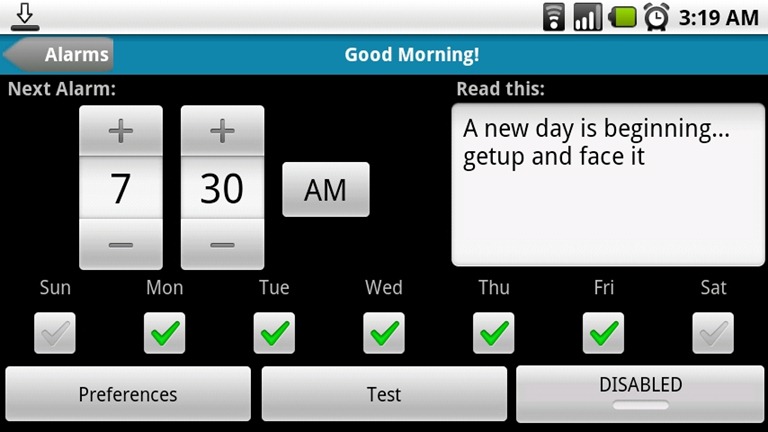
This weeks App is Good Morning, an alarm clock with a few interesting features. Instead of just blasting an alarm sound it will say the date, time, weather and a personalized message. You can use either an alarm sound or music for your alarm. The pro-version adds reading your Calendar entries and multiple alarms, I’m still on the fence about whether I need all the features in the pro-version. I don’t use an alarm that much, mostly because I sleep through most of them and they just wake up Melissa. Still if you’re looking for a reliable alarm application with a lot of features “Good Morning” is a great choice.
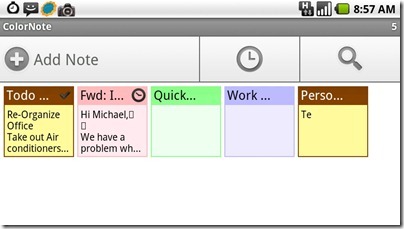
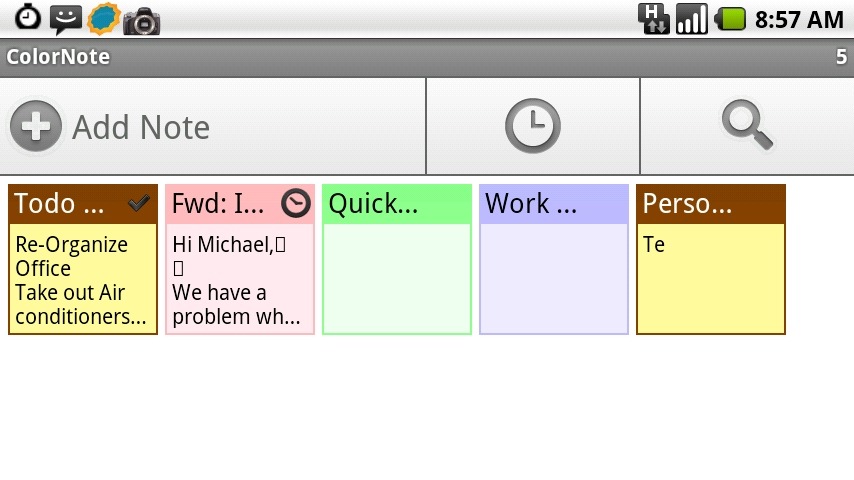
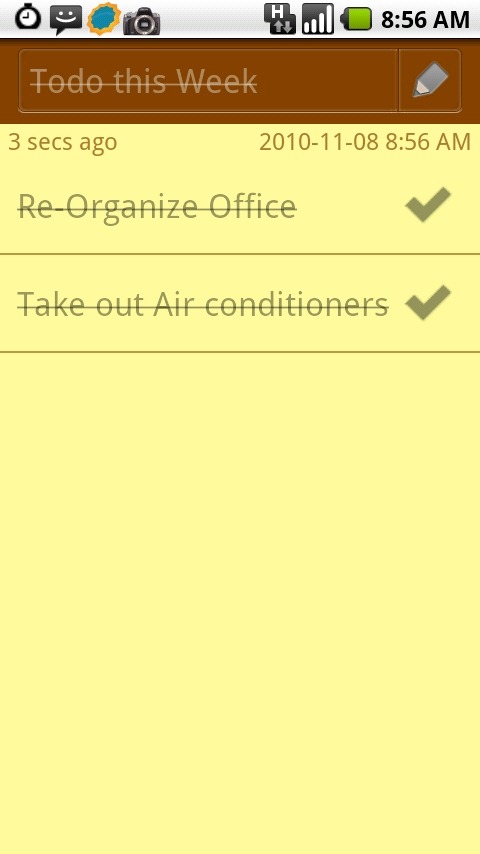
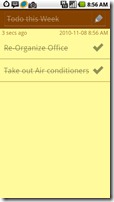 I know it’s Tuesday but over the weekend I wiped and re-setup my phone. This threw off my Mobile Monday post. So here it is a day late, and our app ColorNote. A simple notes application that has a lot of really great features. It supports 2 types of notes, Text and Checklists. The text notes are what you would expect, great for free form notes. The checklist allows you to create lists that you can be sorted and checked off. The interface is very visual and at its heart seems to be based on the post-it note. Right down to the widget that lets you add post-its to your home screens. Having multi coloured post-it notes on my home screen makes it easy to make quick notes and use the basic checklists.
One feature of ColorNote that I haven’t really used is the reminders. You can set reminders for each note. The 5 Quick Settings let you set reminders quickly, (Remind me Always, Remind me Today, Remind me in 15 minutes, remind me in 30 minutes, Pin to status bar) or you can use one of the 3 built-in reminders types to build your custom reminder.
Continue reading “Mobile Monday: ColorNote”
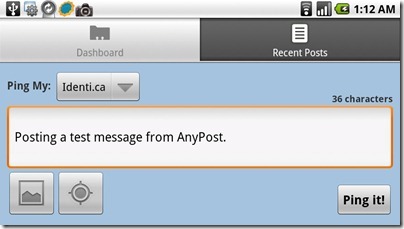
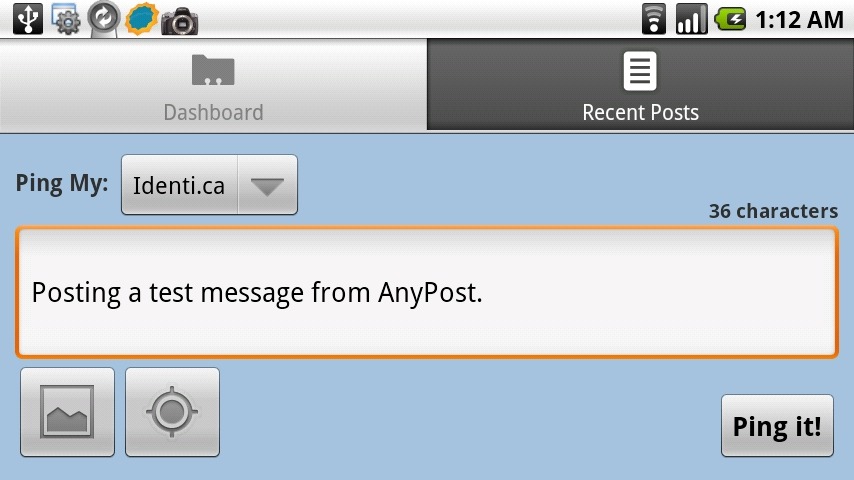
 Today’s app is AnyPost, a full featured Ping.FM client for android. Ping.FM is a website for posting to multiple services at once (See my post from last year @ Cloud Gazing: Ping.FM and hellotxt ). The Simple interface allows you to post Social Network Status, Micro Blog, or even full blog posts to multiple sites at once.
Photos and Geo-Location can be added to your posts in a couple of clicks. Photos are chosen from your phones gallery. Locations allows you to select your location on a map or pull it using the phones GPS.
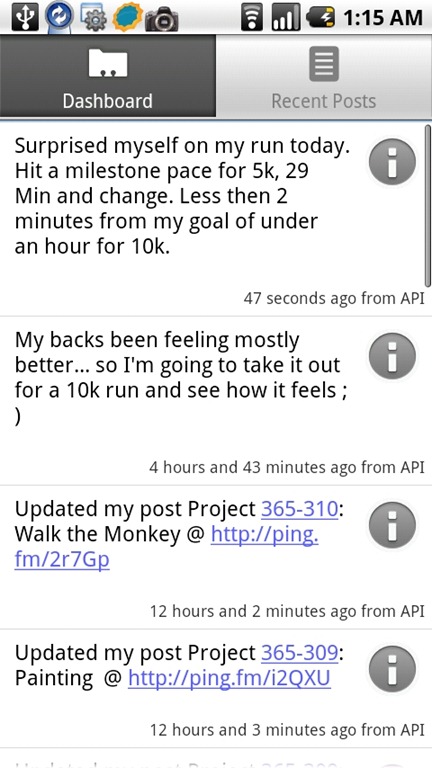
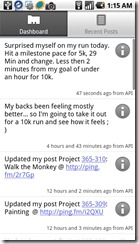
One feature I really like about AnyPost is that it syncs recent posts to Ping.FM allowing you review what post through Ping.FM regardless of where your posted it from.
AnyPost for Android on AppBrain
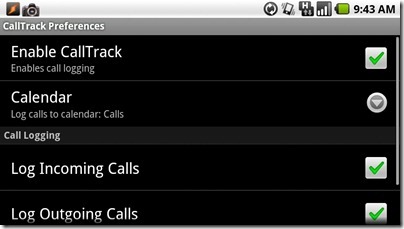
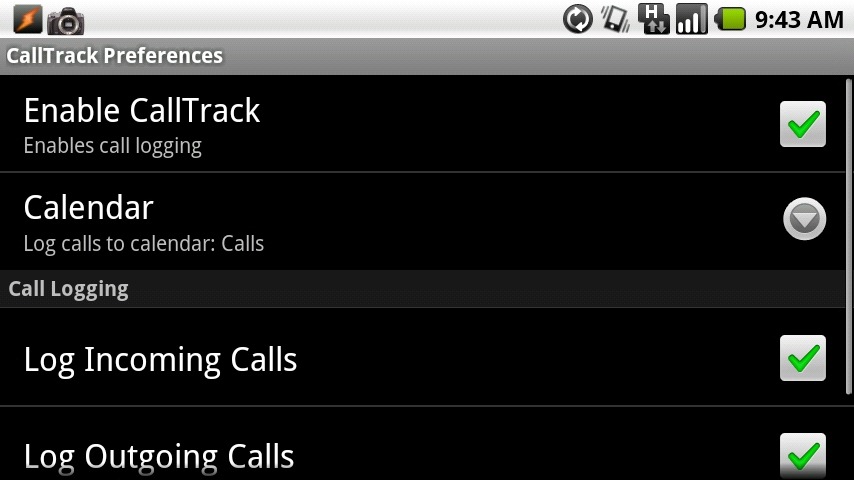
Today we have a simple app that I sometimes forget I have installed on my phone. CallTrack can record every call you Make, Receive or Miss to a Google calendar. The event shows who you called and for how long you talked. For me it’s probably a little silly, I don’t need to track my usage that much, but if I used my cell for more business calls it would be really useful. For now it’s just something cool my phone does.
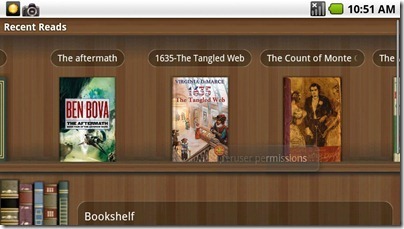
Ever since I got my first Palm Pilot I have read E-books. You can read about the software I used on my old Windows Mobile Phone here. So one of the first applications I searched the market for was an E-books reader. When I first looked the options were limited, though now a number of major players in the marketplace. Amazon has brought their Kindle App, Kobo has their Kobo Reader software and even Barns and Noble have an app. All of these are designed to let you Buy and read books.  The problem is they don’t allow you to add third-party E-books. I have a number of E-books that I’ve purchased over the years and if I can’t read them the reader seems pointless. Of course there may be a time that I’ll want to buy books from the closed stores these apps represents and when I do I’ll down load them again.
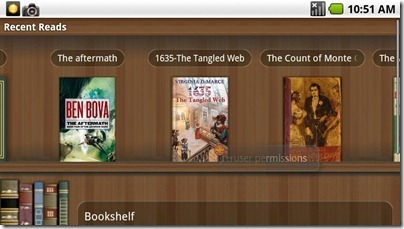
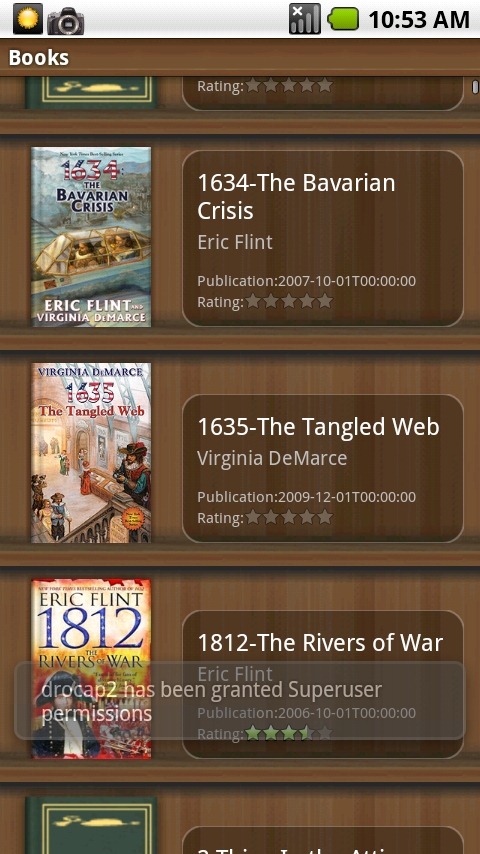
Aldiko has a very simple interface, when you first launch it you see a shelf of the books you have recently read. Below you to options, Bookshelf, where you can browse the rest of the books you have on your phone, and Download books, which takes you to a number of sites where you can download buy books or download free ones. You can also add Custom Catalogues so you can get books from more sources, including Baen Books a publisher that gets E-books.
Continue reading “Mobile Mondays: Aldiko”
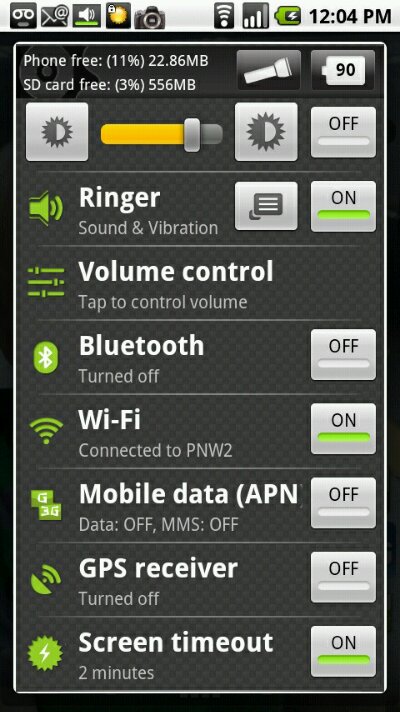
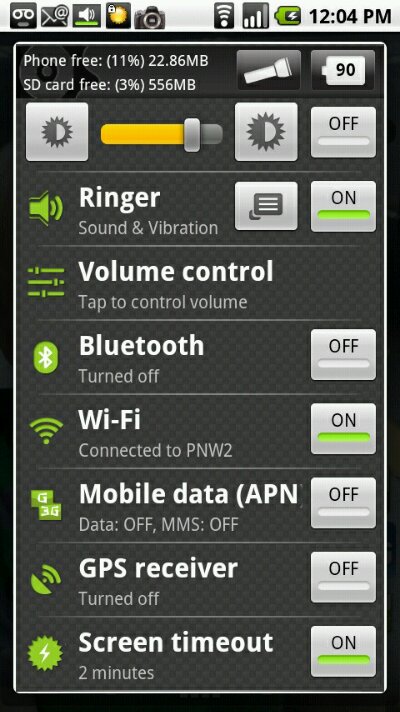
Todays mobile Monday application is Quick Settings. It’s an all-in-one settings application for Android. With support for a ton of settings including, Mobile Data, GPS, Brightness and more. Being able to quickly turn on or off systems on your phone can really extend battery life. There are plenty of widgets that can place similar controls on the home screens, but I’ve never liked them. I like the ease of access them through Notification or long press of the search button. Going back to the home screen just to enable Data or GPS seemed clunky to me. So the quick access this app provides is great. It’s easy to customize interface allows you to only show the settings that you use.
Continue reading “Mobile Monday: Quick Settings”
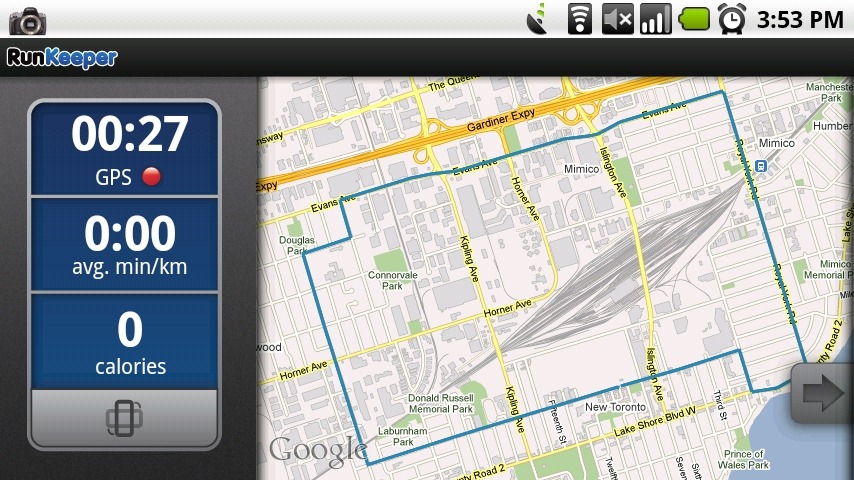
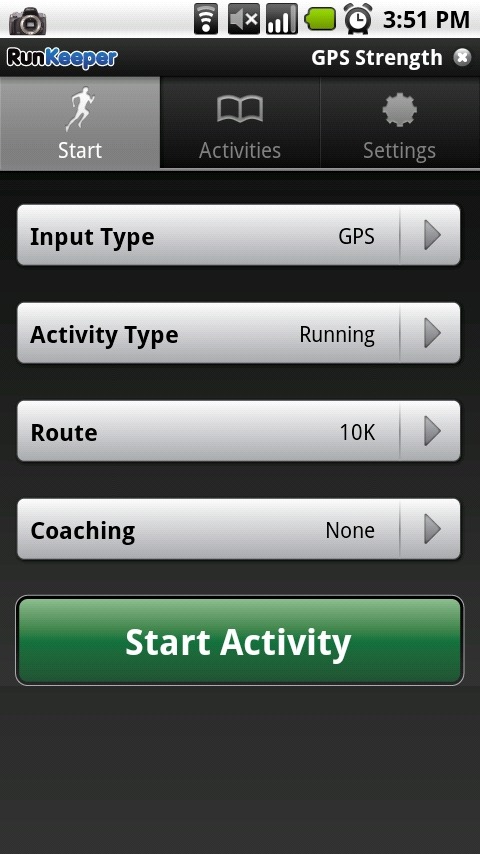 Todays app is one that has help keep me interested in running. When I started last my I made sure to track all my runs, and RunKeeper is how I did it. It’s that tracking and being able to see my progress that helped get me out there day after day even when my body protested. What’s been great is as my running has improved so has RunKeeper. RunKeeper started as an iPhone app and later moved to android, as such the android version has lagged behind the iPhone version for features. Though I’m happy to say Android has almost caught up. I have looked at the iPhone version but have only really used the Android Application.