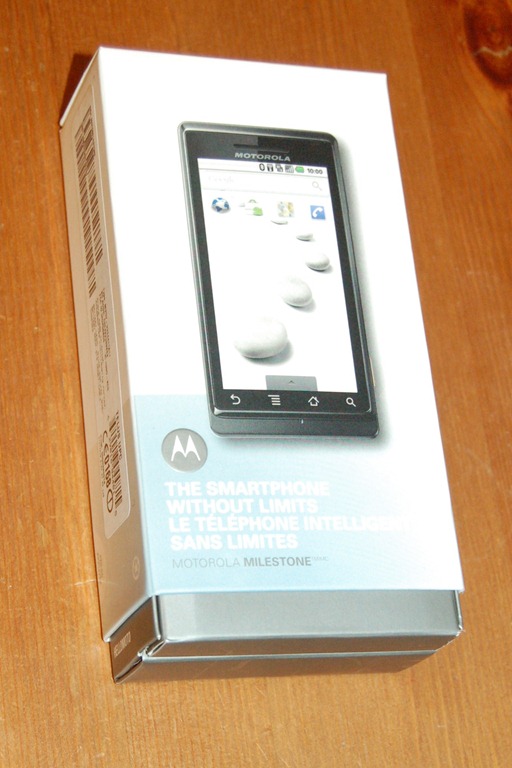
 Last week I picked up my Motorola Milestone, my first Android Smartphone. It’s quite a jump from the Windows Mobile I have used for the last 2 years. It had become clear to me that I needed a new phone in the fall, but it wasn’t till the Millstone’s release that I was confident there was a phone worth upgrading too. I know that a lot of people say that the nexus one is a better phone but I like the physical keyboard. So once I convinced both the misses and the phone company that it was a good idea that I had this phone I picked it up.
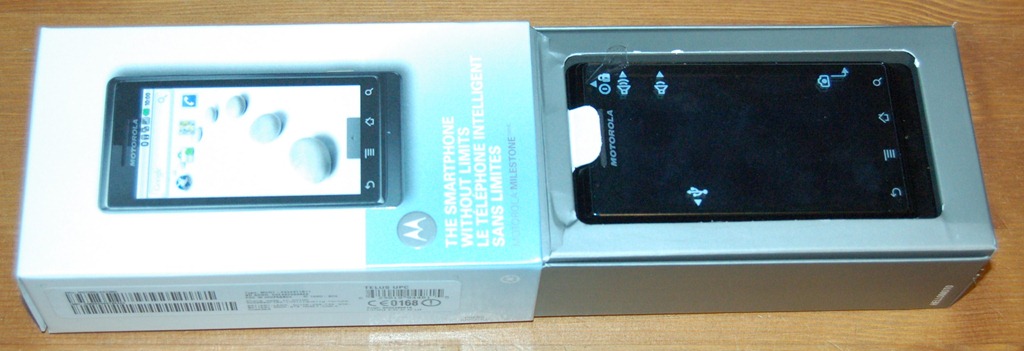
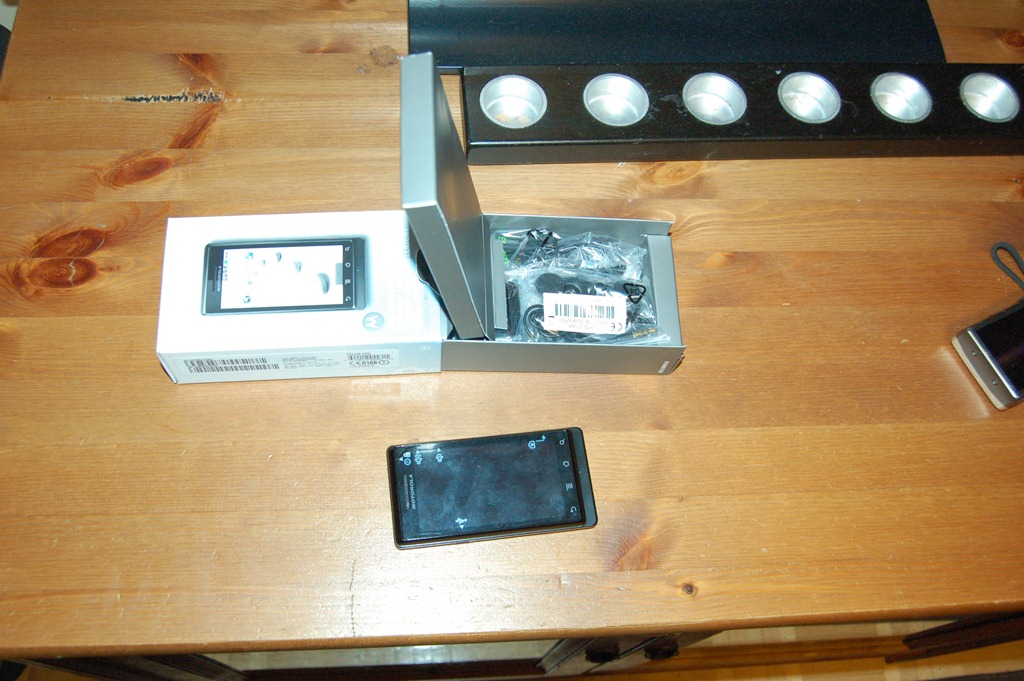
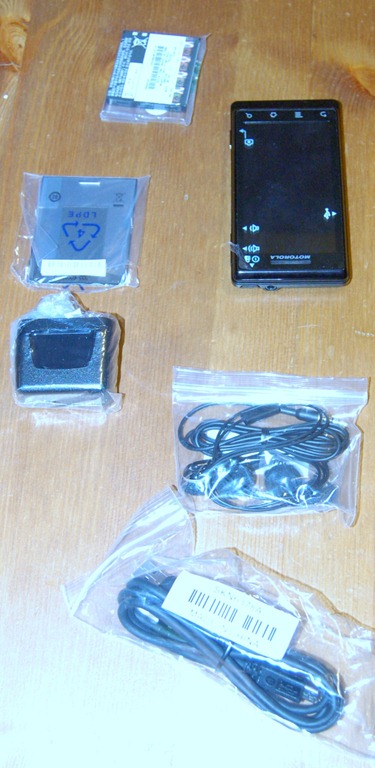
Over the last week I have been trying to decide how I would write about my new toy. I had planned to do an unboxing post, but with only photos it seemed silly. So instead I decided to do a writeup about my first impressions of the Motorola Milestone’s and the Android OS. Over the next few weeks I’ll be doing more posts about the phone and the many applications that are available.
Hardware
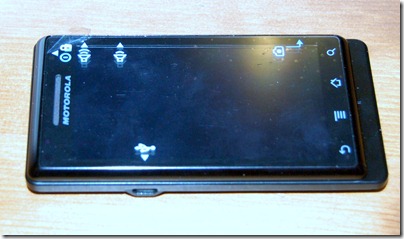
When I first picked it up I knew it was a solid phone. To many phones feel cheap, like they could break in your hands, the Milestone doesn’t. The face of the phone is almost entirely screen. With just fa thin border and 4 buttons along the bottom. The buttons are virtual buttons part of the reactive touch surface and not physical. I am not sure if I like that. The seem easier to accidentally press then real buttons would be. The screen itself looks great.
Keyboard
The keyboard slides out to reveal a 40 key, four row keyboard with a direction pad to the right side. The keys feel quite flat and before I bought it, I was worried about how it would be to use. It takes getting used to, but the more I use it the more I like it. It’s quickly becoming my primary keyboard for the first draft of my blog posts. The direction pad might be a little unneeded on a touch screen device, but there are times that I’ve found it very handy. It makes selecting text simple just hold shift and the direction and it works just like the cursor keys on a desktop. There are also a bunch of keyboard shortcuts that I’m still learning. The onscreen keyboard is great to. Very handy in portrait mod for one-handed use, and though I like how big the keyboard is in landscape, I don’t like the lose of display that comes with it.
Camera
The Camera is an impressive 5 Mega-Pixel with an LED flash. Sounds pretty good, but so far I haven’t been really impressed. The lag between pressing the camera button and the picture being taken. There has been a number of photos that I missed because of this lag, now compared to my old phone it’s a big improvement, but I’ve been walking around with a point and shoot camera for the last 3 months so I might be a bit spoiled. I’m hoping there are some settings I can tweak to get better performance.
Android OS
The Milestone shipped with version 2.01 of Google’s Android OS. So far I’ve been very happy with it, the integration with my google account made setup a snap. I just plugged in my google username and password and it pulled my contacts and calendar. Even setup my GMail account. After my first week and a bit of use there are some to limitations that standout for me. The first is the home screens limit of 3 panels and the second is the limited space for installing applications. Though I believe both are being addressed, I just don’t know when I’ll see the fixes.
Overall I would say the Milestone is a great phone with lots of potential, I am very happy with it and I’m excited to see where google takes the OS Next.
Related articles by Zemanta
- Motorola Milestone phone review | Technophile (guardian.co.uk)
- Quake 3, Android style (crunchgear.com)
- Motorola Milestone now available on Telus, AT&T* (engadget.com)