Jacob wants what?

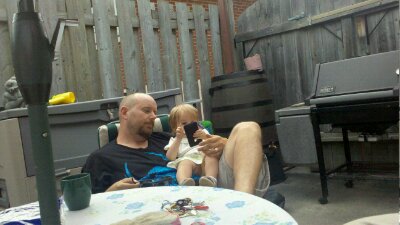
Last night Jacob came running up to me all excited, it seems he saw an iPad where it showed Toy Story. So now my not quite four-year old wants an iPad. It was so amusing that I just had to get it on tape and share it with the world. Of course this also makes me realise that I have to do more with video. So I’m hoping to start doing regular video post, so stay tuned.

Project 365-152: 8-bit Gaming

image

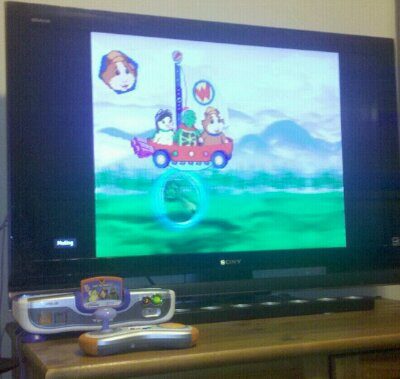
Today I was thinking about playing some Modern Warfare 2 on my PS3 and I saw Jacobs V-Motion system sitting on the TV stand and I just had to take a picture of it. It amazes me that the games wouldn’t look out of place on the systems of my youth. It has better sound and a more innovative controller. It just looks so out of place on our 40 inch HDTV. Of course Jacob loves it so it doesn’t really mater what it looks like.

Introducing New Series: Mobile Apps

I find it strange that the night I brought my new phone home I couldn’t even use it as a phone. A mixup with my new sim card ment I was limited to WiFi connectivity. Though frustrating it really didn’t affect what I wanted to do with it that first night. When it comes right down to it my Milestone isn’t about having a phone at all its about having a platform to run applications and interact with the world and by world I mean internet. The biggest challenge any competitor to the iPhone has is not the OS, Android 2.0 is as good, and in some was better than iPhone OS. A phone like the Milestone delivers an experience that rivals the iPhone and in some areas, like the Hardware keyboard,  surpasses it. That said the iPhone is the king of the app, with more than 140,000. Android by comparison has  just over 45,000. That’s quite a difference, though in both cases a small percentage are worth installing. What matters to users is that the apps they use or want to use be available for their platform of choice.

So I am starting a series of posts about Mobile Apps. Mostly for Android but I am going to try to include some iPhone/iPod Touch apps. I also want to compare the same application on the different platforms, that will probably have to wait till Melissa gets her iPhone or I bite the built and upgrade her Touch.  I’m planing on writing up an app a week, so stay tuned for the first installment next week.

Motorola Milestone: First thoughts

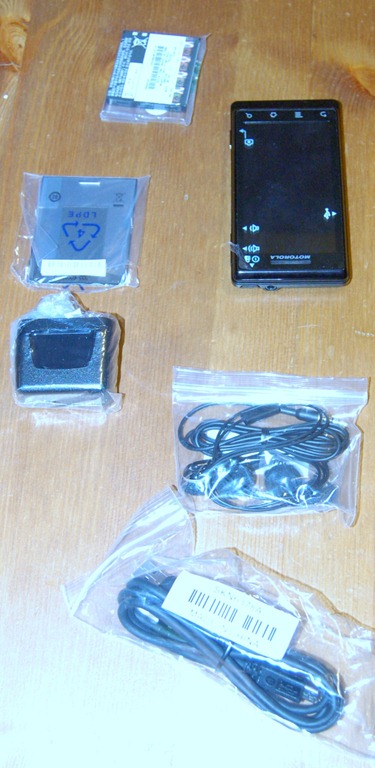
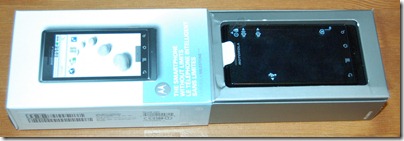
DSC_0002Last week I picked up my Motorola Milestone, my first Android Smartphone. It’s quite a jump from the Windows Mobile I have used for the last 2 years. It had become clear to me that I needed a new phone in the fall, but it wasn’t till the Millstone’s release that I was confident there was a phone worth upgrading too. I know that a lot of people say that the nexus one is a better phone but I like the physical keyboard. So once I convinced both the misses and the phone company that it was a good idea that I had this phone I picked it up.

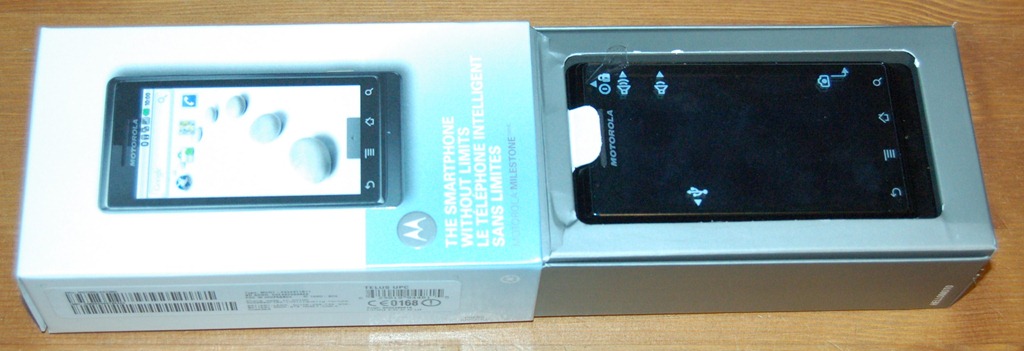
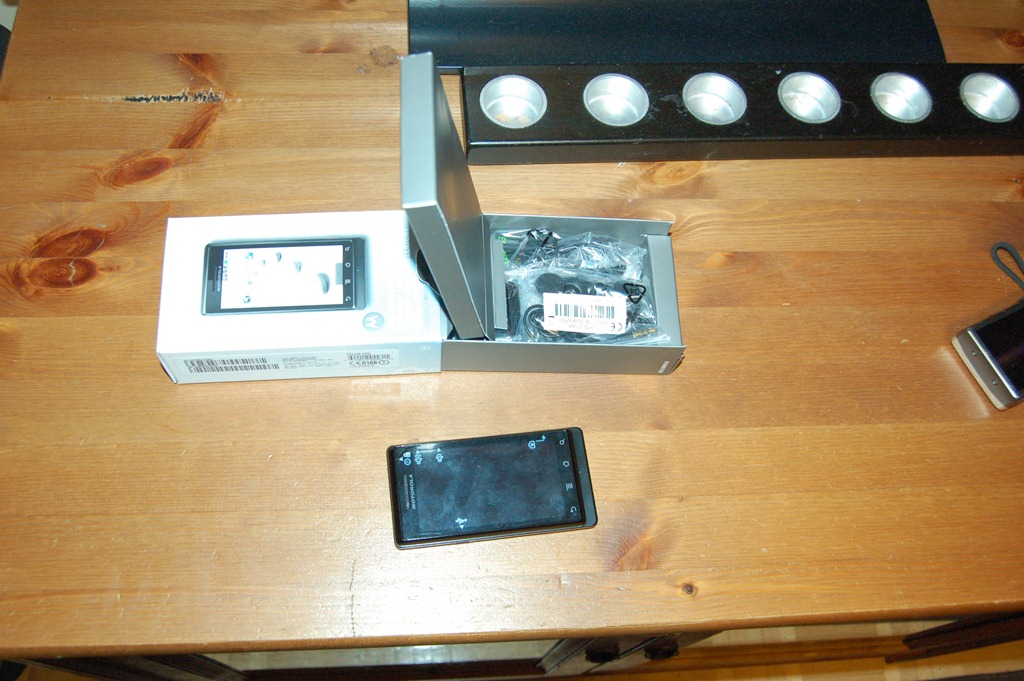
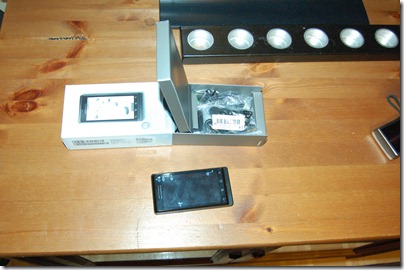
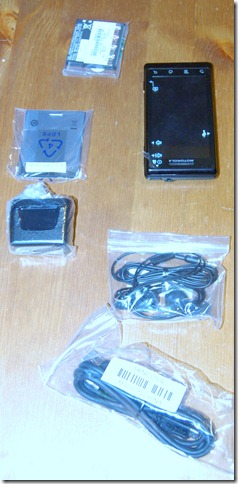
Over the last week I have been trying to decide how I would write about my new toy. I had planned to do an unboxing post, but with only photos it seemed silly. So instead I decided to do a writeup about my first impressions of the Motorola Milestone’s and the Android OS. Over the next few weeks I’ll be doing more posts about the phone and the many applications that are available.
DSC_0005

Hardware

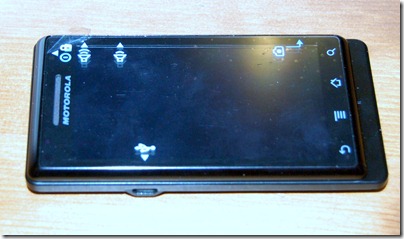
When I first picked it up I knew it was a solid phone. To many phones feel cheap, like they could break in your hands, the Milestone doesn’t. The face of the phone is almost entirely screen. With just fa thin border and 4 buttons along the bottom. The buttons are virtual buttons part of the reactive touch surface and not physical. I am not sure if I like that. The seem easier to accidentally press then real buttons would be. The screen itself looks great.
DSC_0009

Keyboard

The keyboard slides out to reveal a 40 key, four row keyboard with a direction pad to the right side. The keys feel quite flat and before I bought it, I was worried about how it would be to use. It takes getting used to, but the more I use it the more I like it. It’s quickly becoming my primary keyboard for the first draft of my blog posts. The direction pad might be a little unneeded on a touch screen device, but there are times that I’ve found it very handy. It makes selecting text simple just hold shift and the direction and it works just like the cursor keys on a desktop. There are also a bunch of keyboard shortcuts that I’m still learning. The onscreen keyboard is great to. Very handy in portrait mod for one-handed use, and though I like how big the keyboard is in landscape, I don’t like the lose of display that comes with it.
DSC_0010

Camera

The Camera is an impressive 5 Mega-Pixel with an LED flash. Sounds pretty good, but so far I haven’t been really impressed. The lag between pressing the camera button and the picture being taken. There has been a number of photos that I missed because of this lag, now compared to my old phone it’s a big improvement, but I’ve been walking around with a point and shoot camera for the last 3 months so I might be a bit spoiled. I’m hoping there are some settings I can tweak to get better performance.
DSC_0007

Android OS

The Milestone shipped with version 2.01 of Google’s Android OS. So far I’ve been very happy with it, the integration with my google account made setup a snap. I just plugged in my google username and password  and it pulled my contacts and calendar. Even setup my GMail account. After my first week and a bit of use there are some to limitations that standout for me. The first is the home screens limit of 3 panels and the second is the limited space for installing applications. Though I believe both are being addressed, I just don’t know when I’ll see the fixes.

Overall I would say the Milestone is a great phone with lots of potential, I am very happy with it and I’m excited to see where google takes the OS Next.
Project 365-84: A new Milestone

Project365-84

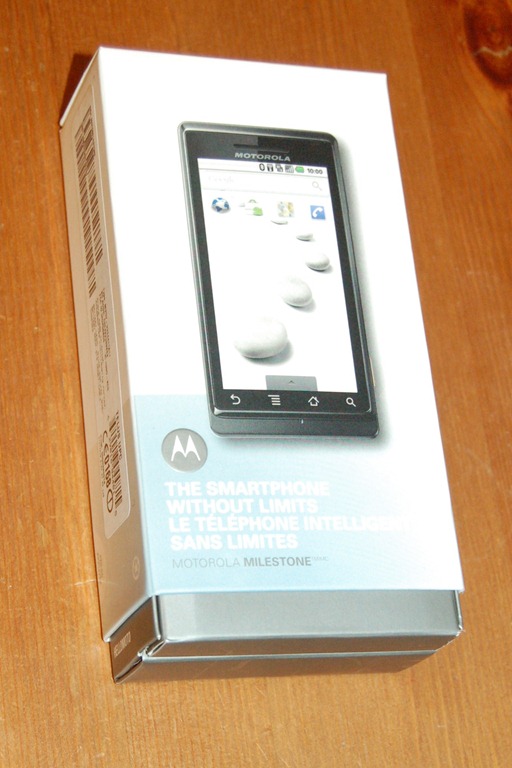
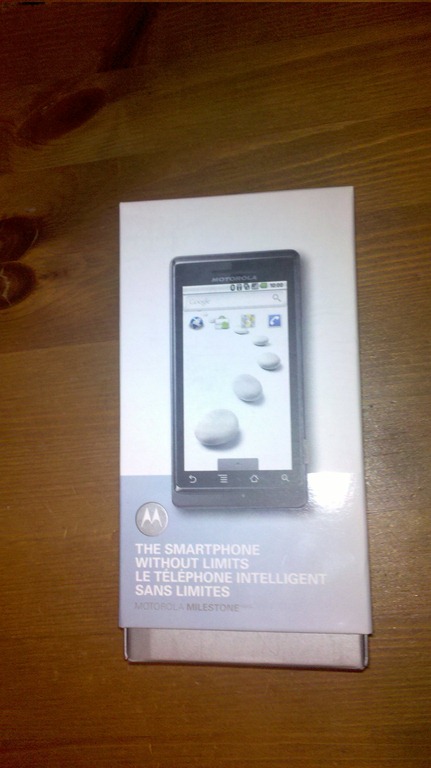
Today’s Picture is a bit of a teaser. After much debate and negotiating I have finally picked up a new phone. Today’s picture was taken with my new phone and is of it’s box. After a bit of a technical glitch I don’t have it working as a phone yet, but plan to have that straightened out tomorrow. I’ve also got some pictures of my un-boxing and I’m working on a write-up so stay tuned.

Software I use: After the Deadline

When After the Deadline was first released for Firefox in the beginning of February, I thought it looked interesting. So I installed the Extension to see how it would hold up to day-to-day use. In the 3 weeks that have followed it’s become integrated with my day-to-day work flow. I even find myself taking chunks of text from desktop applications and coping them into a web form so I can use it. Of course if you’ve never heard of After the Deadline you are wondering what I’m talking about.

After the Deadline is an open source server software that provides spelling, style, and grammar checking. The service is free for personal use, and commercial users can run their own server. It has an open API so Plug-ins can be developed to integrate its functionality into almost any application. Right now I’m running both the Firefox Extension and the WordPress Plugin.  It’s moved me out of Microsoft’s Live Writer for writing my posts because I want to use it to check my writing. I’m thinking that it might be an interesting exercise to try to write an After the Deadline plug-in for Live Writer, though after using the built-in editor in WordPress for the last few weeks, I’m wondering if it’s worth it. Perhaps I should move to the web for my writing.

What makes this different from most spell checkers is that it’s very context aware and so it can spot the wrong use of words like ‘meat’ and ‘meet’ or ‘know’ and ‘no’. This is one of my biggest issues when writing, I spell the word right, it’s just the wrong word. Another great feature is that when it shows you your errors it has an option to see an explanation. For example this last sentence I had a hidden Verb, I had know idea what that was but a quick check of the explanation and now I do:

Though as with all automated checkers it’s not right 100% of the time, I’ve found it right most of the time. Add to that the ability to prompt you when you are submitting a form without running a check, makes it a great tool if you do any writing online.

Project 365-049: Tech-Support

IMAGE_160

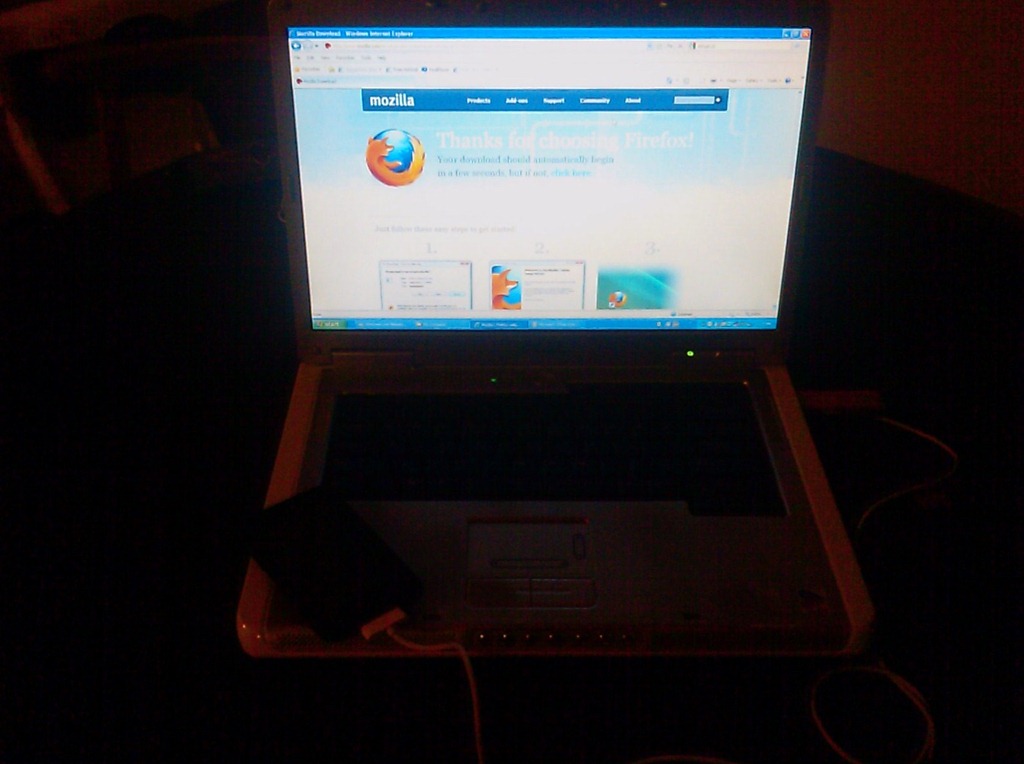
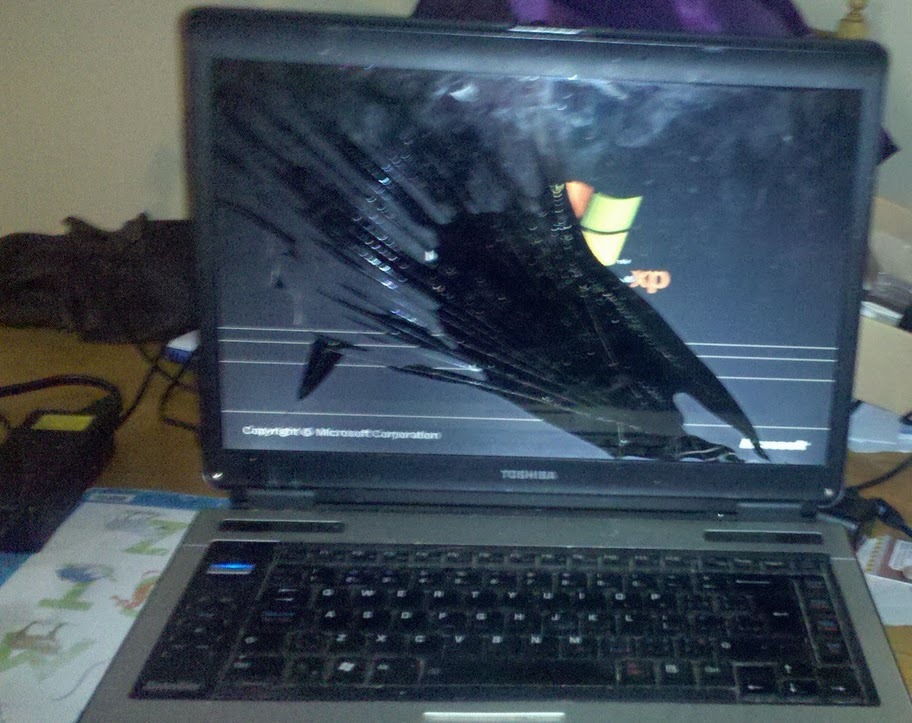
Today I was a spent the evening providing a cousin tech-support. It seems she got tricked into downloading Security Tool. A fake anti-virus that holds your computer hostage unless you register it. It took a few hours but I cleaned up her system and took the opportunity to install a better browser.

Sorry about the low quality of the picture today. I am have some technical difficulties with my cameras. Should be cleared up by tomorrow.