

My WordPress Blog
It was 11 years ago I registered my first domain, Guetterman.com. It was to be the host site for a game I was developing with my friends. The game never got finished and we morphed it into a company providing digital services. We had some clients. we did some nice work, but it was never more than a side business that we all moved on from. Still Guetterman.com lived on, providing me with my primary email address and a place on the web where I could play. When I started to blog it was on a sub domain of Guetterman.com. And for a while I tried to make Guetterman a central blog site for my friends and family, but at the time I didn’t blog regularly and though some of my friends had great posts for a while, it didn’t last long.
It became clear that last year when I switched hosting companies that Guetterman.com had served it’s purpose. I setup my mail accounts, but never got around to setting up the website. At the time I thought about not renewing the domain, but it held too much sentimental value so I hung onto it. This year as I look to renew the domains I control I’m past wonder, I think it’s time to let it go. What do my readers think?
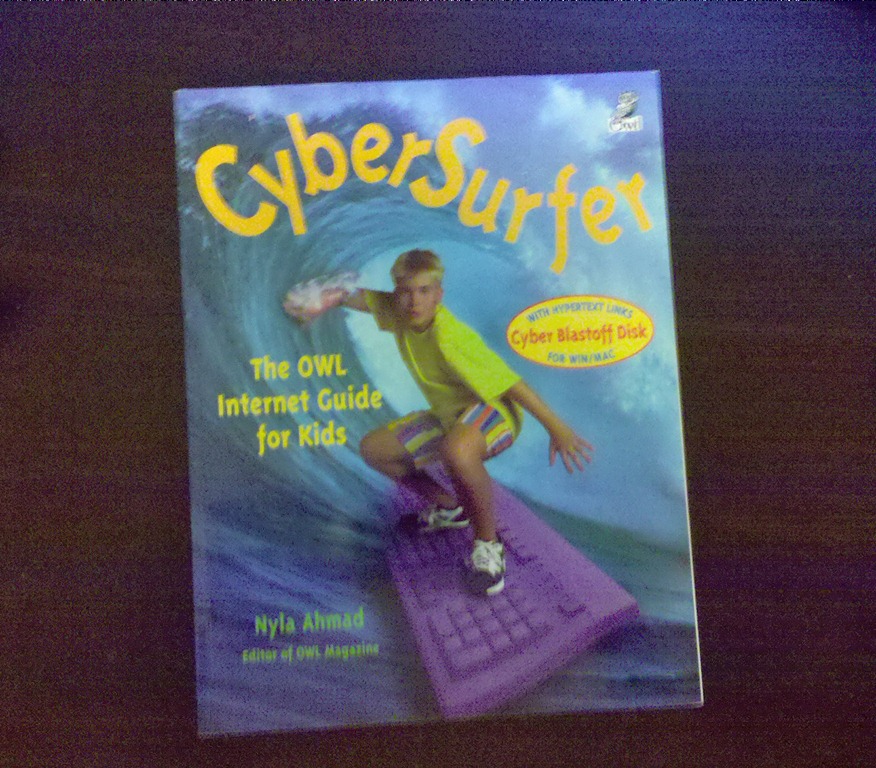
Last week we received a box of books, going through it this weekend I found lots of great books that the kids will love, I also found one that interested me, CyberSurfer: The OWL Internet Guide for Kids, by Nyla Ahmad. The first thing that caught my eye was how proudly it proclaimed “Cyber Blastoff Disk: With Hypertext Links for WIN/MAC”. It seemed so quant. What amused me more was as I flipped through the pages and found this:
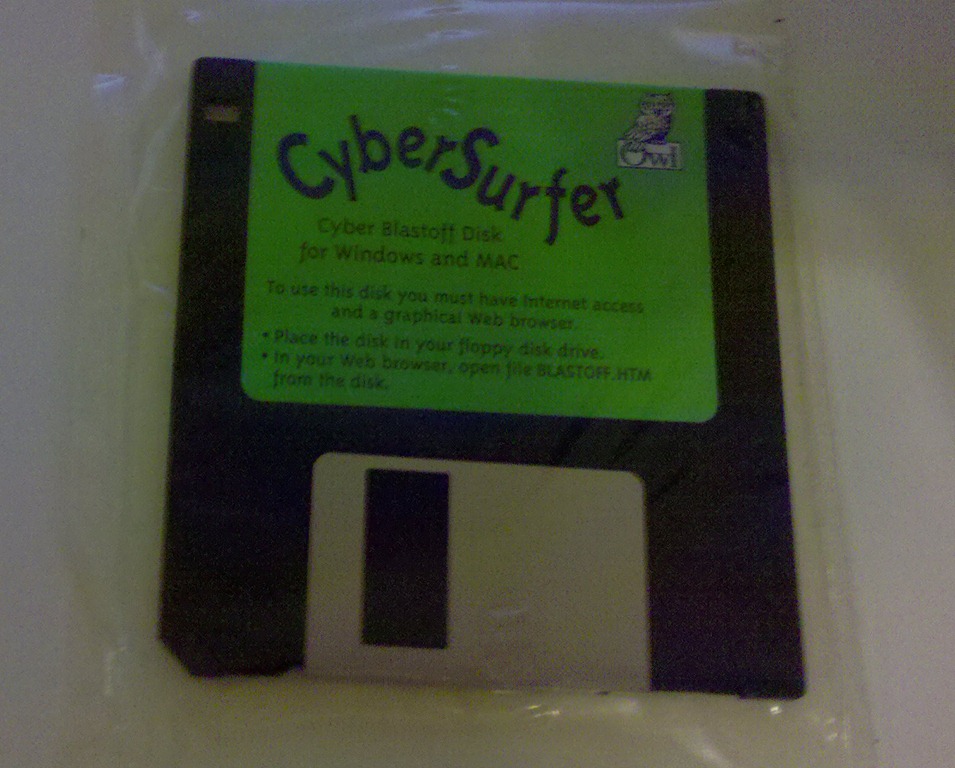
The book was published in 1996 so it’s a window on a completely different internet then the one we have today. So the addresses in the book are no longer active, but it still presents an interesting look at how the internet works. If fact it even includes information about Archie, Gopher and Newsgroups. Now if I could only find a floppy drive to see what’s on the disk.
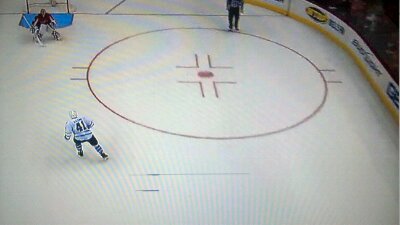
Today’s picture is of our TV, well of the growing patch of dead pixels on our less than 2 years old TV. I’ve spoken with Sony about and they told me I need to get it looked at see what it will cost to fix… It will probably cost more tl fix then we aid for it new, but we need to have it examined by a qualified tech before Sony will give us a deal on a new tv. I have to problems with this, the first is I have to pay to have the tv looked at. Then pay for a new TV. The second is do I want another Sony Tv after this one failed in less than 2 years? TVs are supposed to last, so do I go down the Sony path see what type of deal I can get from them or cut my loses and get a new tv from a different maker?
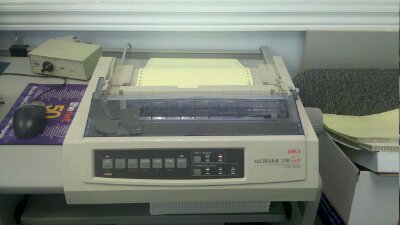
Today I spent the morning at a clients re-setting up their corrupted profile. The last task was to configure the shared Dot-Matrix printer to print using the LPT port. It’s needed for their legacy systems. The process got me wondering how hard would it be when they upgrade there aging Windows XP machines to set up there legacy application with their legacy printers?
Found this amusing bit from Sesame Street on sesamestreet.tumblr.com/ blog today. Couldn’t help but share it.
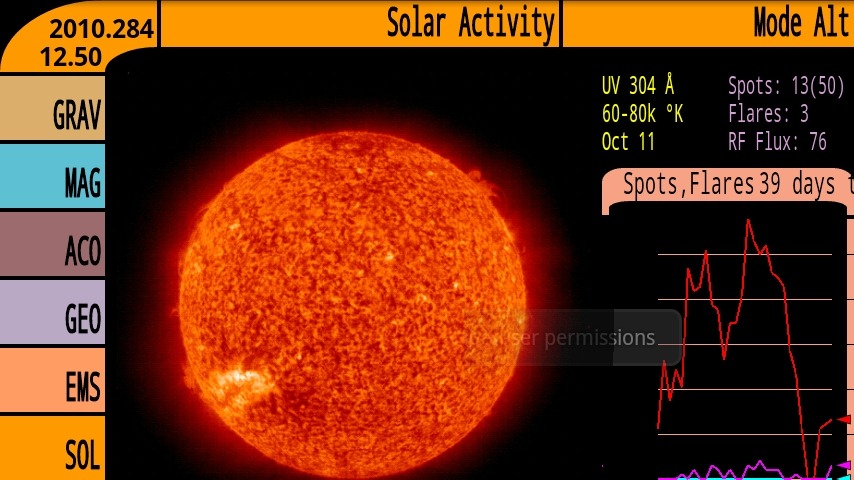
Today we take a quick look at one of the sillier apps on my phone, Tricorder. It seems fitting on this holiday Monday to have a simple and fun app. I’ve had a Tricorder app for every PDA I’ve owned, though this is the first one that actually does any Scanning. All it does is visual some of the phones sensors with a feel of a Star Trek inspired interface. Overall they have limited value. Though I find the Acoustic sensor is kind of neat and the EM Spectrum scan gives you an interest view of the different Networks around you.
Today I start a new series of posts, Mobile Mondays. It’s a expansion of my earlier post about mobile apps. I plan on posting once a week something to do with mobile. There will be app reviews, Hardware Reviews, my thoughts on the mobile space and more. I have tried to get into a roll with this kind of posts for a while. I had hopped to when I posted my review of WordPress for android a few weeks back(link). It didn’t happen but today I am confident that this time it will work out. With today’s post you will see the addition of Mobile Mondays tot the Data Points. This will be a central place to see the different posts that make up this series. You will also find a link to AppBrain and a list of applications that I have installed on my Milestone. It seemed fitting to start the series with a review of AppBrain.
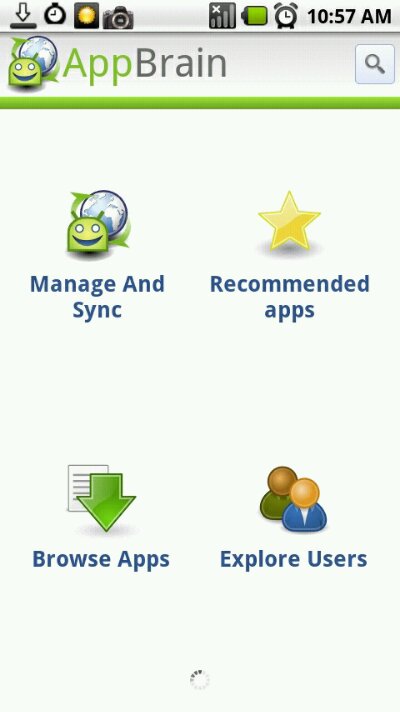
AppBrain is an application manager for android. Its web interface makes it easy to find and install applications from any web browser. The Android Application makes it easy to manage and find applications from your phone. When you launch the app on your device you are given 4 choices.
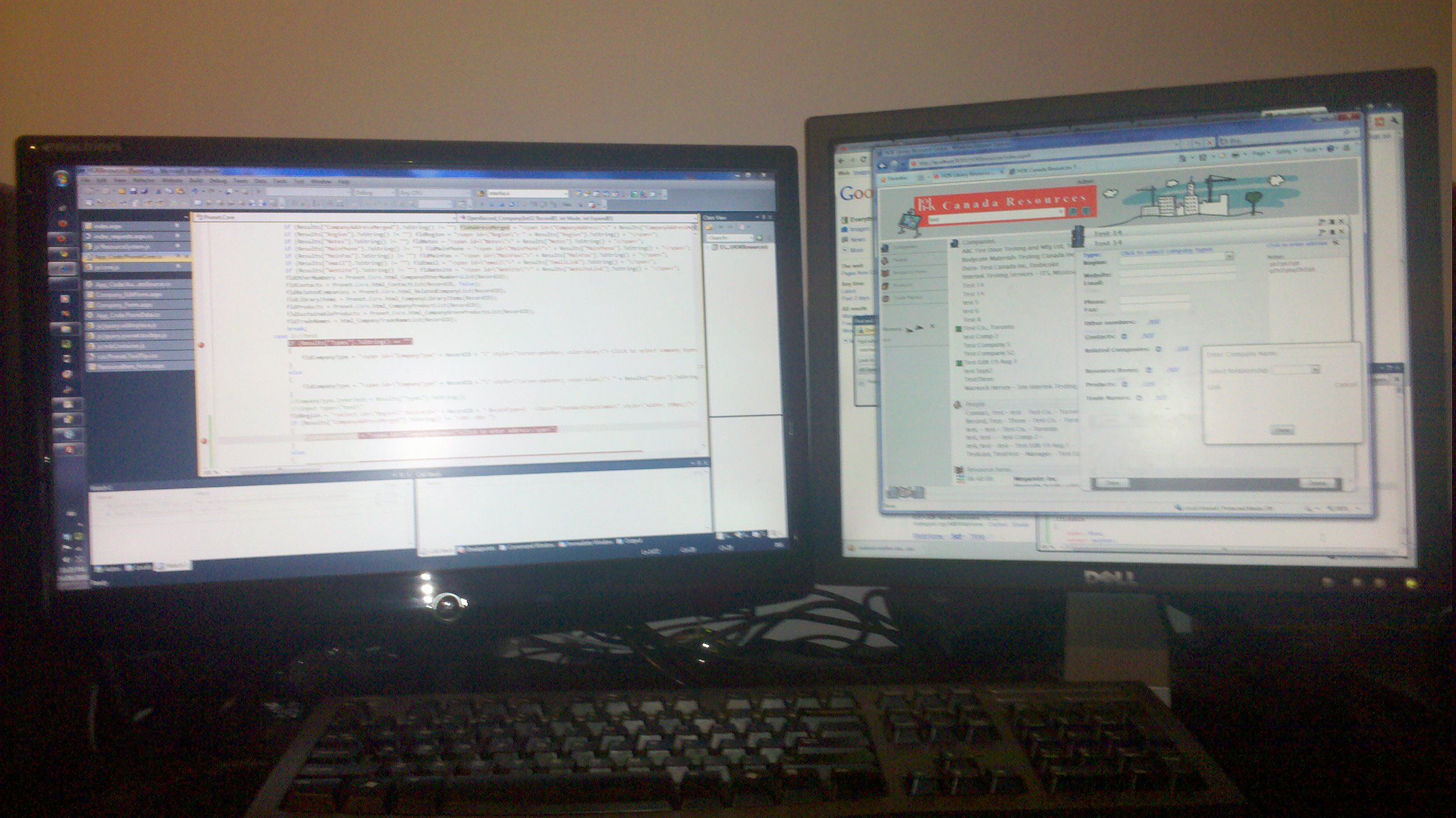
A couple of weeks ago I’d doing some computer work for a friend, I posted a picture of their busted laptop at the time. Because of the quirkiness of technology I ended up swapping my labour and a monitor, for a new monitor they had purchased that wouldn’t work right with their laptop. It’s worked out great, we’re both happy. The strange thing is native resolution of the new monitor is 1600 x 900. My old monitor and my current second monitor run at 1280 x 1024. So I’ve lost 124 pixels vertically and gained 320 horizontally, what’s surprised me is the times that I’ve missed the 124 pixels. It seems that the extra horizontal space ends up being waisted. Of course the wide screen is great for watching movies, and I’m sure I’ll get used to the shorter screen.
