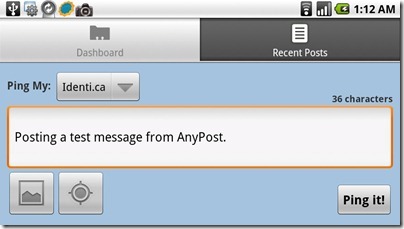
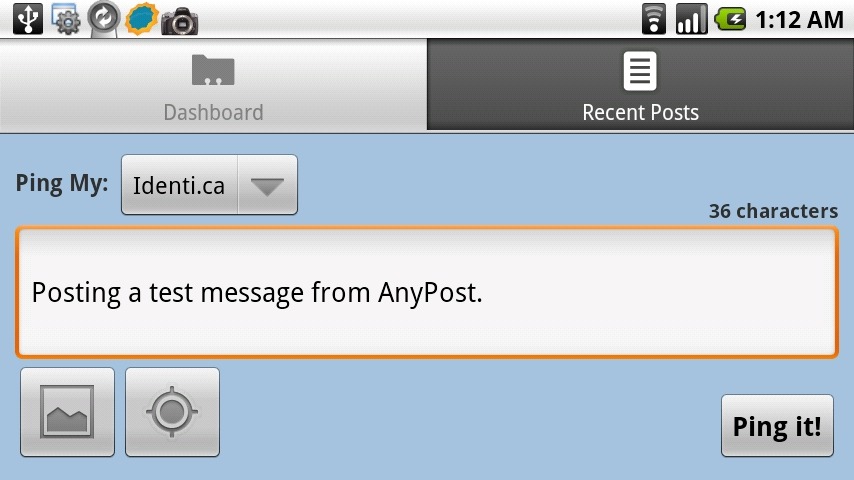
 Today’s app is AnyPost, a full featured Ping.FM client for android. Ping.FM is a website for posting to multiple services at once (See my post from last year @ Cloud Gazing: Ping.FM and hellotxt ). The Simple interface allows you to post Social Network Status, Micro Blog, or even full blog posts to multiple sites at once.
Photos and Geo-Location can be added to your posts in a couple of clicks. Photos are chosen from your phones gallery. Locations allows you to select your location on a map or pull it using the phones GPS.
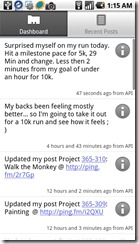
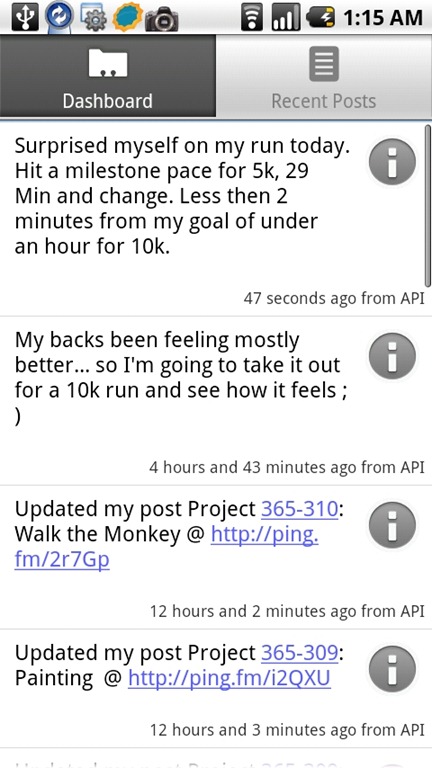
One feature I really like about AnyPost is that it syncs recent posts to Ping.FM allowing you review what post through Ping.FM regardless of where your posted it from.
AnyPost for Android on AppBrain
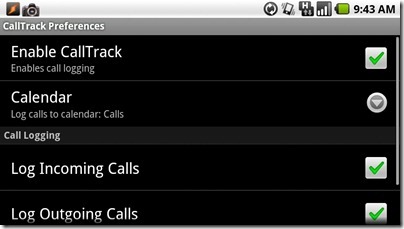
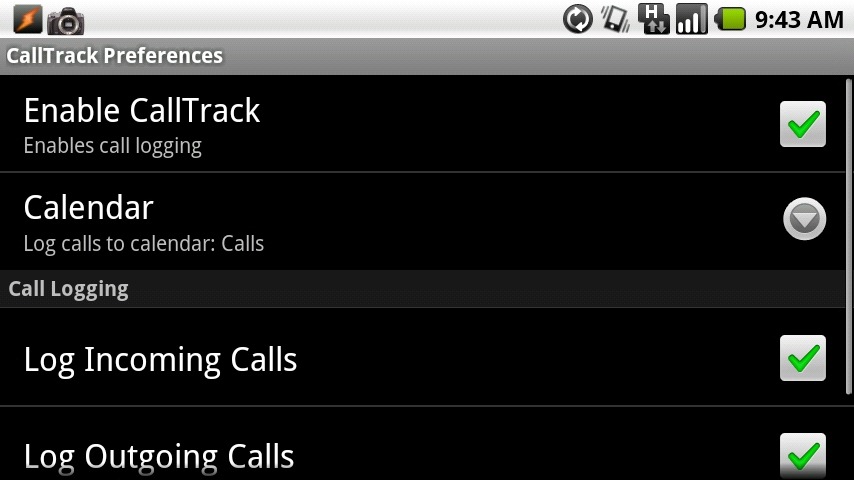
Today we have a simple app that I sometimes forget I have installed on my phone. CallTrack can record every call you Make, Receive or Miss to a Google calendar. The event shows who you called and for how long you talked. For me it’s probably a little silly, I don’t need to track my usage that much, but if I used my cell for more business calls it would be really useful. For now it’s just something cool my phone does.
Ever since I got my first Palm Pilot I have read E-books. You can read about the software I used on my old Windows Mobile Phone here. So one of the first applications I searched the market for was an E-books reader. When I first looked the options were limited, though now a number of major players in the marketplace. Amazon has brought their Kindle App, Kobo has their Kobo Reader software and even Barns and Noble have an app. All of these are designed to let you Buy and read books. 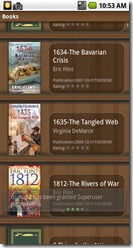 The problem is they don’t allow you to add third-party E-books. I have a number of E-books that I’ve purchased over the years and if I can’t read them the reader seems pointless. Of course there may be a time that I’ll want to buy books from the closed stores these apps represents and when I do I’ll down load them again.
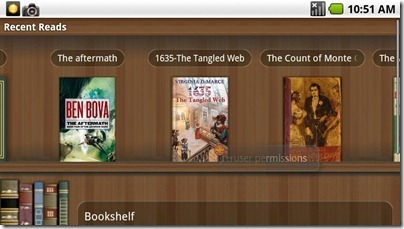
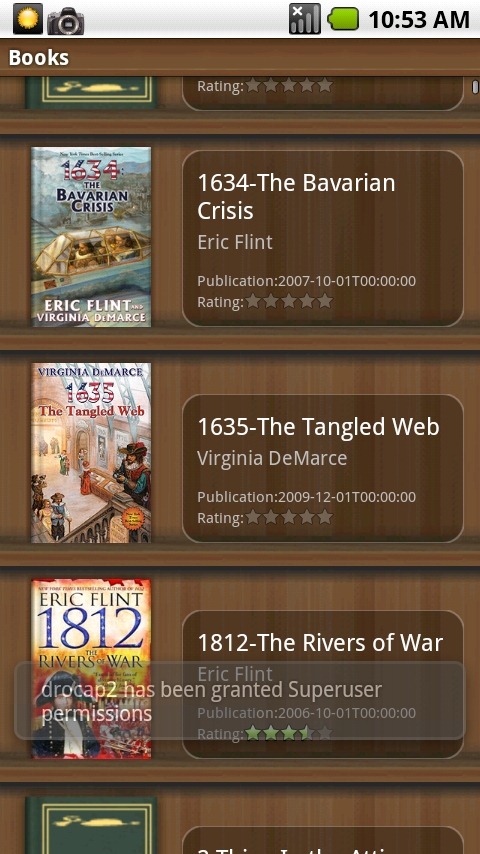
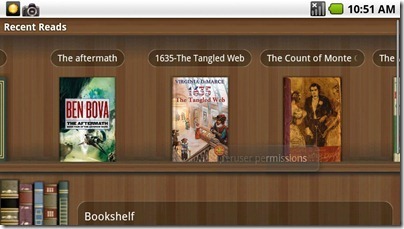
Aldiko has a very simple interface, when you first launch it you see a shelf of the books you have recently read. Below you to options, Bookshelf, where you can browse the rest of the books you have on your phone, and Download books, which takes you to a number of sites where you can download buy books or download free ones. You can also add Custom Catalogues so you can get books from more sources, including Baen Books a publisher that gets E-books.
Continue reading “Mobile Mondays: Aldiko”
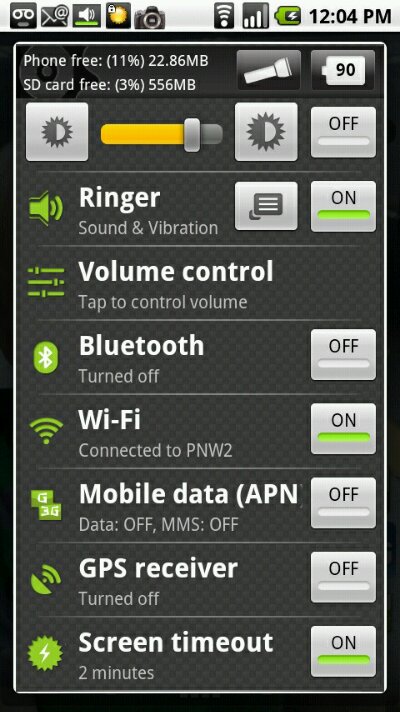
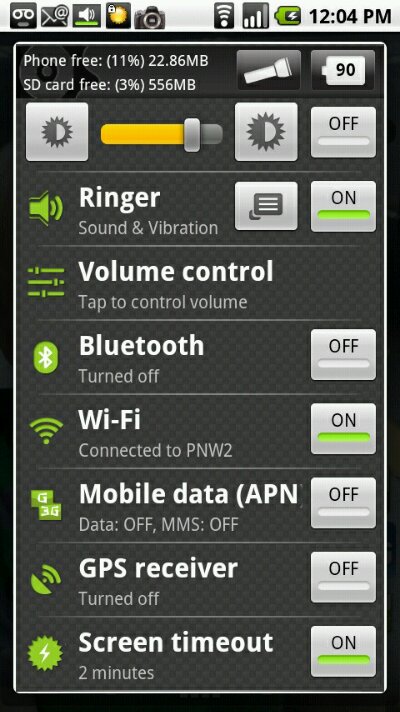
Todays mobile Monday application is Quick Settings. It’s an all-in-one settings application for Android. With support for a ton of settings including, Mobile Data, GPS, Brightness and more. Being able to quickly turn on or off systems on your phone can really extend battery life. There are plenty of widgets that can place similar controls on the home screens, but I’ve never liked them. I like the ease of access them through Notification or long press of the search button. Going back to the home screen just to enable Data or GPS seemed clunky to me. So the quick access this app provides is great. It’s easy to customize interface allows you to only show the settings that you use.
Continue reading “Mobile Monday: Quick Settings”

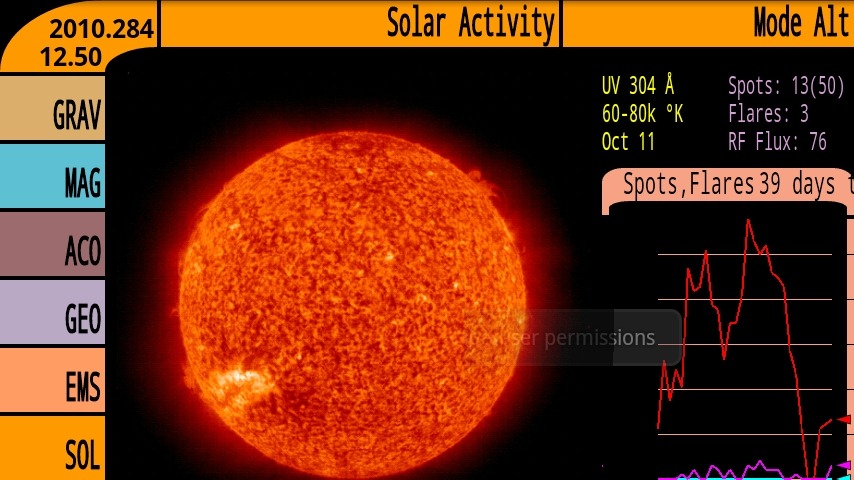
Today we take a quick look at one of the sillier apps on my phone, Tricorder. It seems fitting on this holiday Monday to have a simple and fun app. I’ve had a Tricorder app for every PDA I’ve owned, though this is the first one that actually does any Scanning. All it does is visual some of the phones sensors with a feel of a Star Trek inspired interface. Overall they have limited value. Though I find the Acoustic sensor is kind of neat and the EM Spectrum scan gives you an interest view of the different Networks around you.
Continue reading “Mobile Monday: Tricorder”
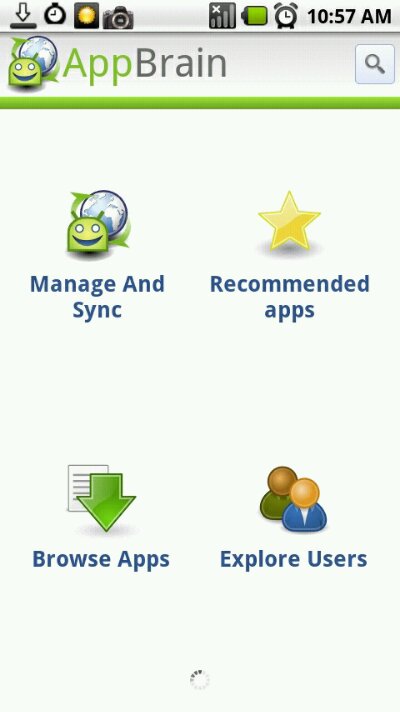
Today I start a new series of posts, Mobile Mondays. It’s a expansion of my earlier post about mobile apps. I plan on posting once a week something to do with mobile. There will be app reviews, Hardware Reviews, my thoughts on the mobile space and more. I have tried to get into a roll with this kind of posts for a while. I had hopped to when I posted my review of WordPress for android a few weeks back(link). It didn’t happen but today I am confident that this time it will work out. With today’s post you will see the addition of Mobile Mondays tot the Data Points. This will be a central place to see the different posts that make up this series. You will also find a link to AppBrain and a list of applications that I have installed on my Milestone. It seemed fitting to start the series with a review of AppBrain.
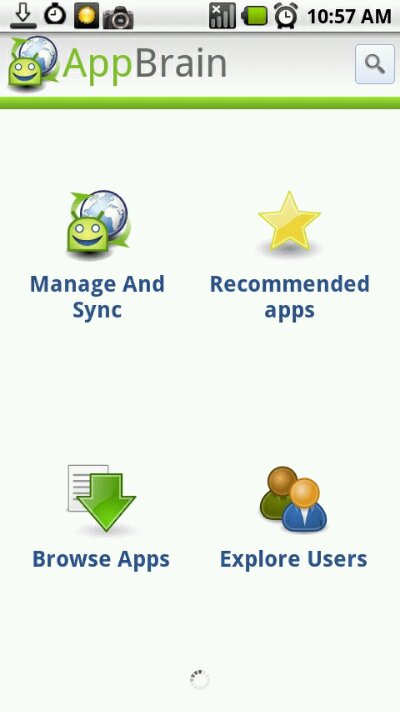
AppBrain is an application manager for android. Its web interface makes it easy to find and install applications from any web browser. The Android Application makes it easy to manage and find applications from your phone. When you launch the app on your device you are given 4 choices.
 Ever since I got my Milestone I have wanted to start writing reviews of the different software I use on it. My drafts folder has half a dozen half-finished pieces on different apps. Today I start clearing out those reviews. First up is one of the apps I use the most, WordPress. It’s an editor for my blog and most of my posts start their life in it.
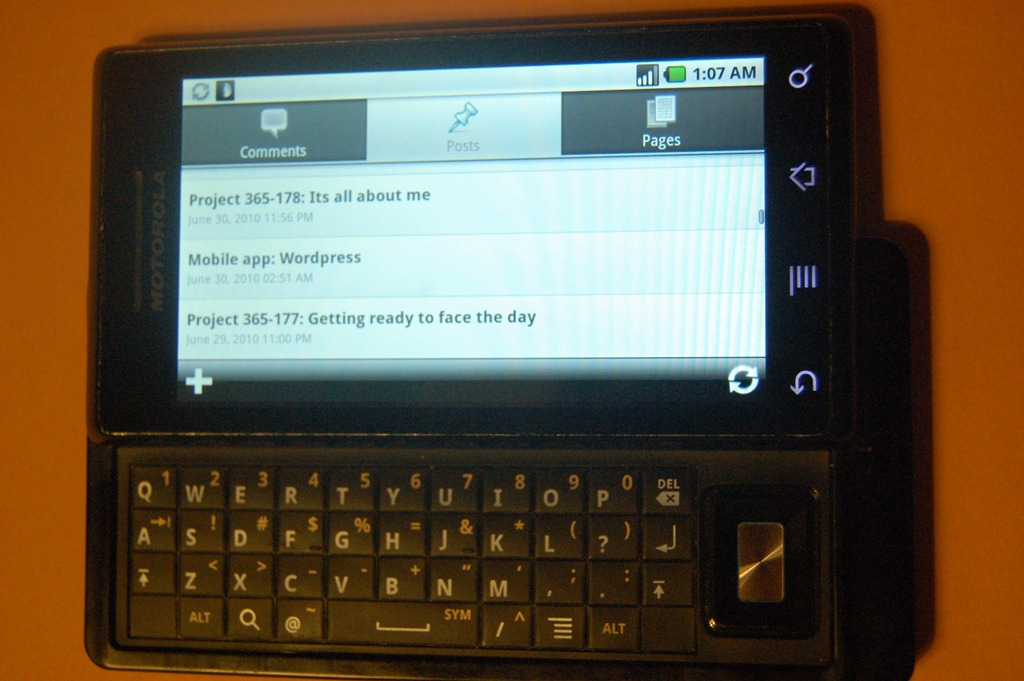
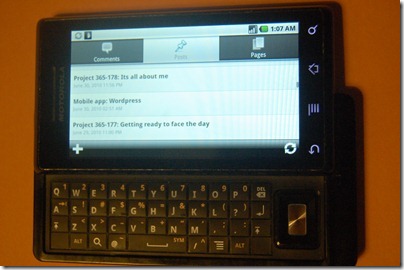
The interface is simple, when you first launch the application you choose which blog you want. It supports both WordPress hosted and self hosted blogs. For each blog you have 3 tabs Comments, Posts, Pages.
Continue reading “Mobile app: WordPress”
I find it strange that the night I brought my new phone home I couldn’t even use it as a phone. A mixup with my new sim card ment I was limited to WiFi connectivity. Though frustrating it really didn’t affect what I wanted to do with it that first night. When it comes right down to it my Milestone isn’t about having a phone at all its about having a platform to run applications and interact with the world and by world I mean internet. The biggest challenge any competitor to the iPhone has is not the OS, Android 2.0 is as good, and in some was better than iPhone OS. A phone like the Milestone delivers an experience that rivals the iPhone and in some areas, like the Hardware keyboard, surpasses it. That said the iPhone is the king of the app, with more than 140,000. Android by comparison has just over 45,000. That’s quite a difference, though in both cases a small percentage are worth installing. What matters to users is that the apps they use or want to use be available for their platform of choice.
So I am starting a series of posts about Mobile Apps. Mostly for Android but I am going to try to include some iPhone/iPod Touch apps. I also want to compare the same application on the different platforms, that will probably have to wait till Melissa gets her iPhone or I bite the built and upgrade her Touch. I’m planing on writing up an app a week, so stay tuned for the first installment next week.
 Today’s app is AnyPost, a full featured Ping.FM client for android. Ping.FM is a website for posting to multiple services at once (See my post from last year @ Cloud Gazing: Ping.FM and hellotxt ). The Simple interface allows you to post Social Network Status, Micro Blog, or even full blog posts to multiple sites at once.