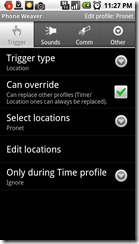
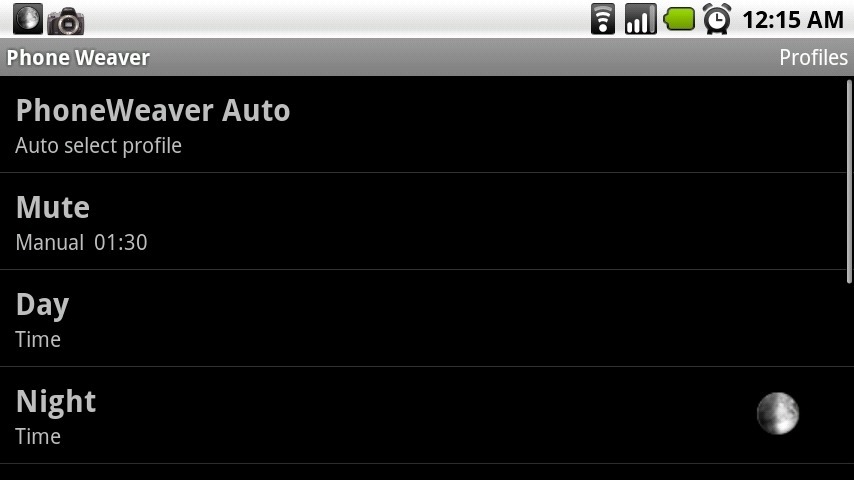
 Today we have a late post for our Mobile Monday. Left has kept me from posting it earlier, but it’s still Monday so here it is. Today we look at PhoneWeaver from SBSH Mobile Software. I first found SBSH software when I was looking for software for my old Windows Mobile phone. I was thrilled when I found out the were developing for android. They have 3 apps on the android market and in the coming weeks I hope to review both SafeWallet and GoNews so stay tuned.
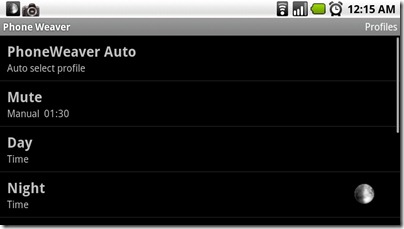
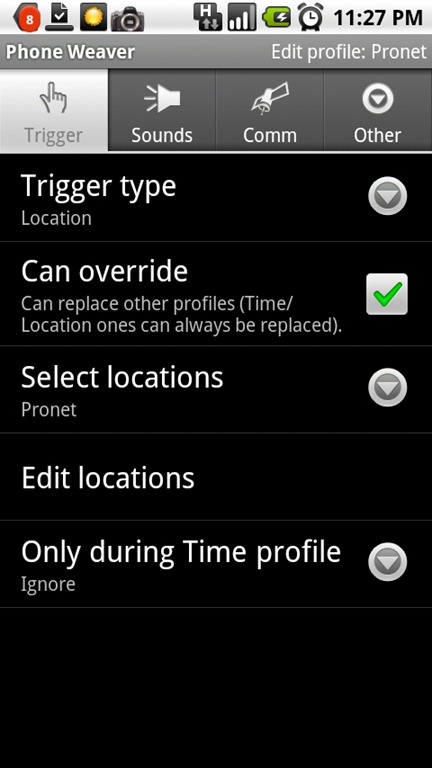
PhoneWeaver adds Smart Automatic Profiles to your Phone. Profiles can be triggered by Time, Location or even calendar. Profiles can control all aspects of your phone. Turn on or off WIFI, Bluetooth, 3G data, GPS and even change the home screen wallpaper.
Continue reading “Mobile Monday: PhoneWeaver”
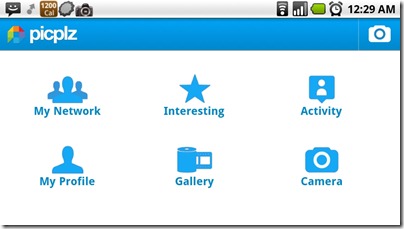
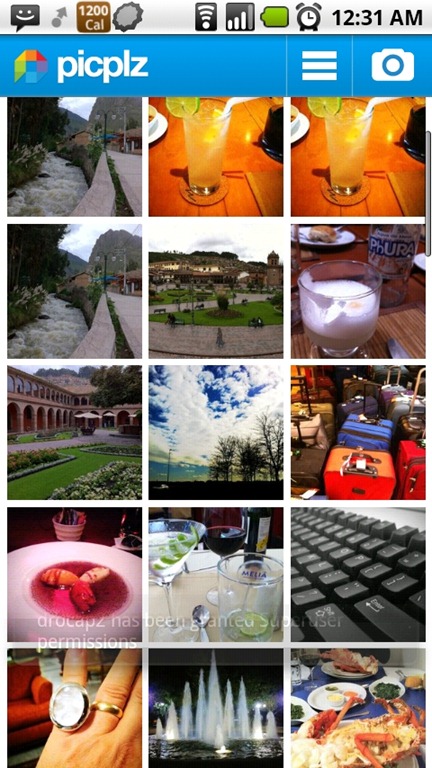
 Today we look at another app for sharing photos with the web. Picplz is like Twitter for photos. There are two parts to picplz, the first is a mobile app, for Android, or iOS. With it you can apply effects to your photos and then share them on the web. The second is the picplz site for sharing your photos and managing your connections with other online services and social networks.
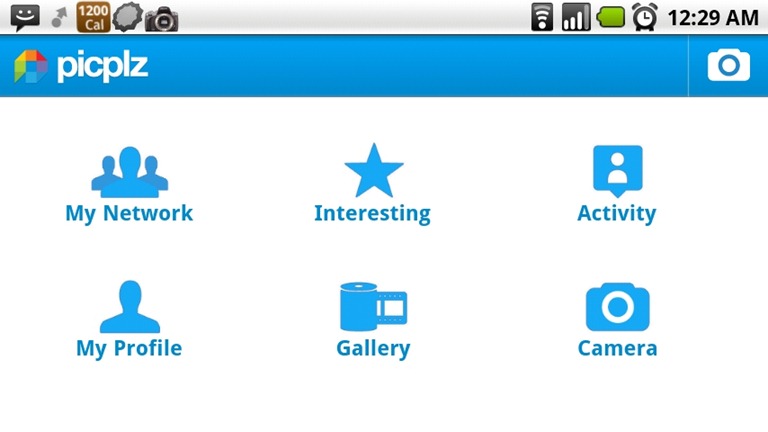
The Application on android recently received an update to streamline the interface and improve functionality. When you first launch it you have 6 options,My Network, Interesting, Activity, My Profile Gallery and Camera. My Network and Interesting are for reviewing pictures posted to picplz. My Network being restricted to the users you are following, Interesting on the other hand show recent pictures from anyone on the system. Activity is about the comments, by people you are following. My Profile gives you a preview of what other people see when they look up your picplz account, while Gallery and Camera are for adding pictures to picplz.
Continue reading “Mobile Monday: picplz”
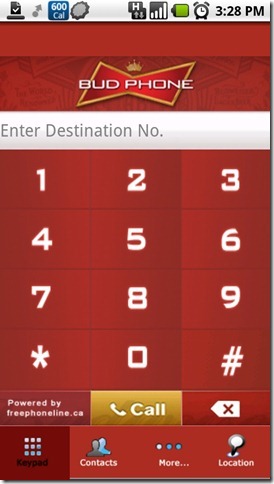
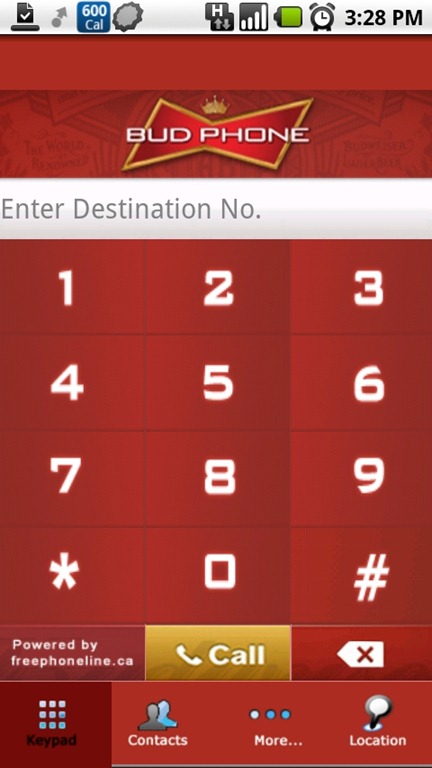
It seems strange that I have anything sponsored by Bud on my phone, but this little application saves me money so it’s hard not to like it. Bud Phone uses VOIP to let you make local calls to many cities in Canada (the complete list is here). Bud phone is a simple Dialler application for Android, iOS, and Black Berry. Once you have registered at BudPhone.ca it dials a local number, that then dials the number you are connecting too. It takes an extra minute to make calls but there are know ads during the call and the quality has been pretty good. The service is great but you are still using local minutes, that is unless you have a cell plan with favourites numbers. Just add the local access number as a favourite and you can now call local or long distance numbers without using minutes.
Of course BudPhone.ca also offers a computer based VOIP solution for free that gives you a free phone number, with Free Long distance, Call Display and Voice mail. It will even forward to missed calls to another number so it can be used away from the computer. More on that another day.
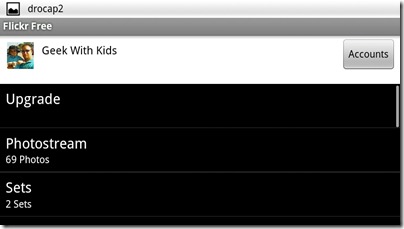
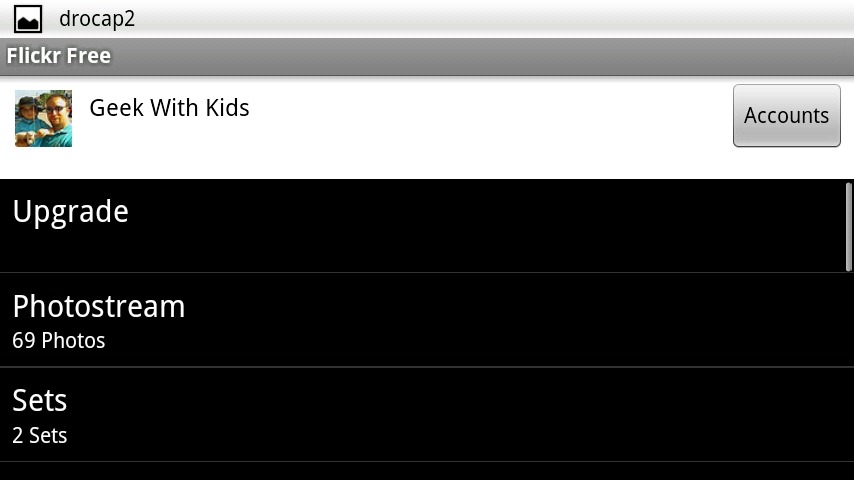
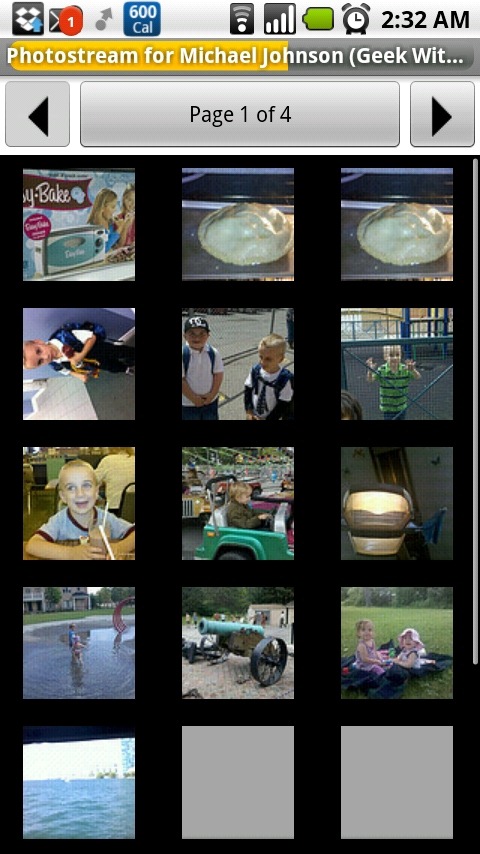
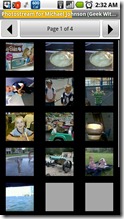 Today we’re getting back to our weekly app review with an application that fills a need I’ve had for a while. Flickr Free provides a simple but powerful interface for interacting with Flickr from your android phone. The interface isn’t flashy but it has all the features I’ve been looking for. You can View public photos or your own from Flickr, Upload from your Camera or Image Gallery. As an added bonus it supports multiple accounts. It’s an open source application that has a paid version to support development on the app. There seems to be a differences between the two version but I can’t seem to find any clear description of what they are. One minor annoyance with the user interface is that in the free version they have the upgrade button as the first option when you open the account. I like the idea of supporting developers, that just seems a waste of interface space.
Continue reading “Mobile Monday: Flickr Free”
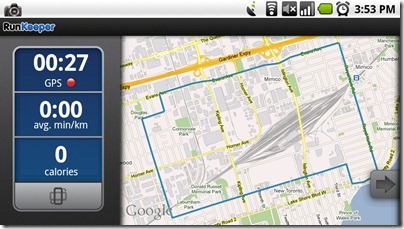
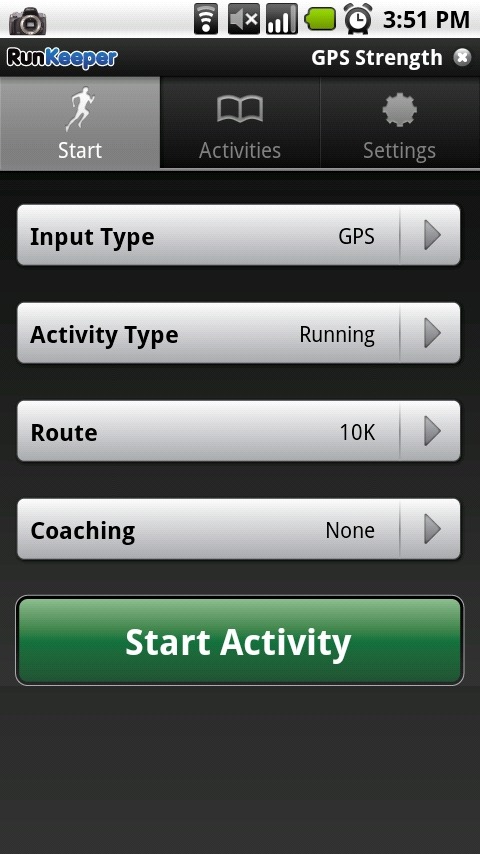
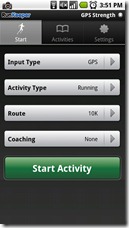 Todays app is one that has help keep me interested in running. When I started last my I made sure to track all my runs, and RunKeeper is how I did it. It’s that tracking and being able to see my progress that helped get me out there day after day even when my body protested. What’s been great is as my running has improved so has RunKeeper. RunKeeper started as an iPhone app and later moved to android, as such the android version has lagged behind the iPhone version for features. Though I’m happy to say Android has almost caught up. I have looked at the iPhone version but have only really used the Android Application.
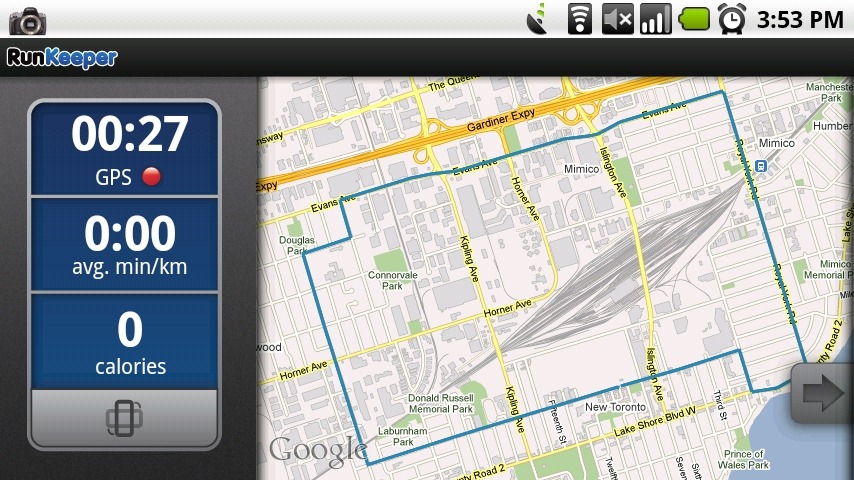
RunKeeper uses the GPS on your phone to track your outdoor actives and can provide audio feed back in real-time. With both pre-set interval announcements through the Coaching system or just regular updates of time and distance traveled. In the latest version you can even enter your indoor workouts right in the Android application, it’s been available on the iPhone and website for a while now. This allows you to track workouts on treadmill, elliptical, Stationary Bike and even Rowing Machines.
Continue reading “Mobile Mondays: RunKeeper”

At the beginning of December Angry Birds Seasons came to the Android Market Place. I had resisted the temptation to install Angry Birds since it came to android. We’ve purchased it for Melissa’s iPhone and iPod Touch so I’ve felt the addictive nature of the game. With Seasons I broke down and installed it. Many hours of my time got sucked into that game. I’m happy to report that my phone is once again Angry birds free, but I still thought I’d share my thoughts on Angry Bird Seasons for Android with my readers.
Continue reading “Mobile Mondays: Angry Birds Seasons”
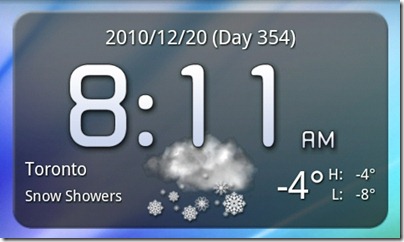
Today’s app isn’t an app at all, it’s a Widget. Fancy Widget is a simple widget that shows Time, Date and weather on your home screen. I’ve tried a few different widgets for this but overall I like the clean look of this one best. Though in truth I’m not sure if I like devoting 2 rows of my home screen to this information.
Continue reading “Mobile Monday: Fancy Widget”
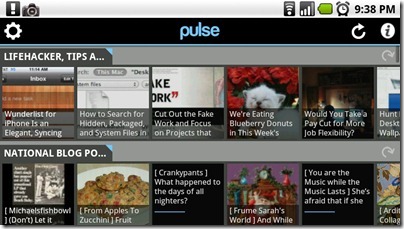
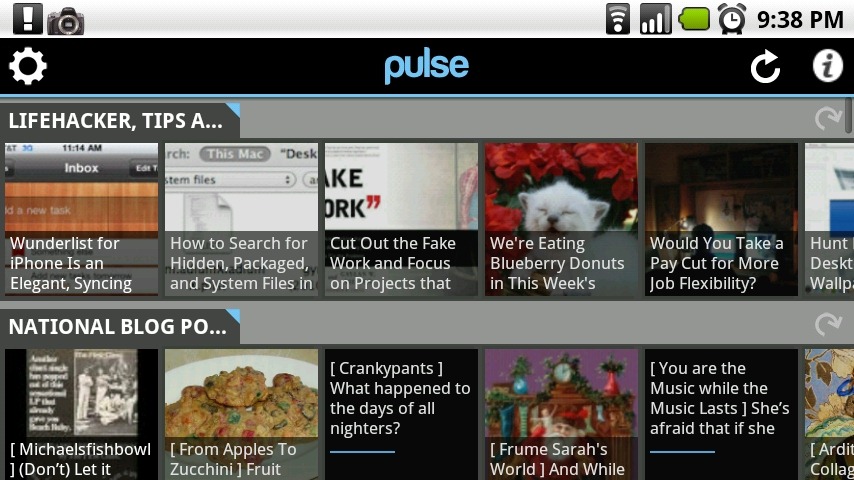
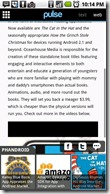 Finding a good application for reading news hasn’t been easy. I have tried a few but none of them stuck. Usually after a couple of days I’d stop using them and go back to relying on Twitter to expose me to interesting things to read. Pulse has been different, with its pretty and intuitive interface I find my self using it during most of my morning commutes to read the latest news from the sites that I like. There is a limit of 20 feeds, but I didn’t hit it till I was adding feeds for this review.
The interface is simple, you have a list of your feeds with thumbnail images of the most recent posts. You can scroll through each feed with a swipe of your finger. Choosing an article opens up a full screen view based on either the RSS or the real website of the article. The rest of the feeds articles are accessible through a pop-up panel across the bottom of the screen. The transitions are smooth and fast making for a very pleasant reading experience.
Continue reading “Mobile Monday: Pulse”
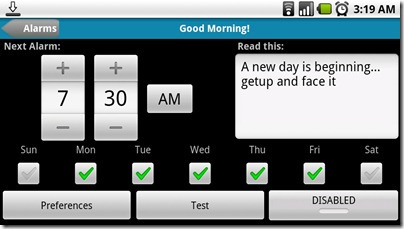
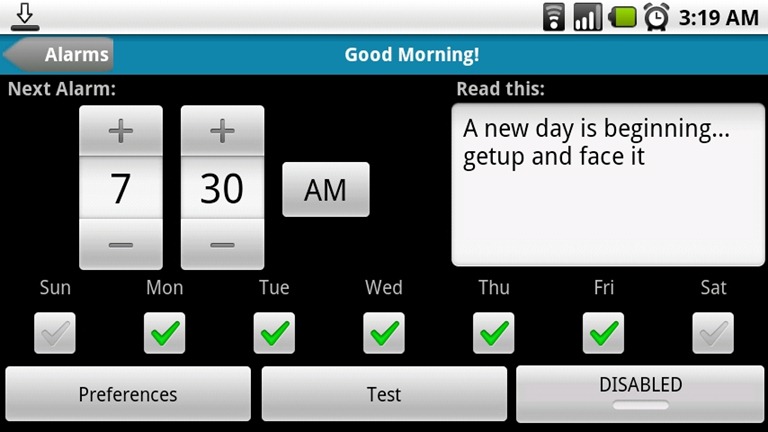
This weeks App is Good Morning, an alarm clock with a few interesting features. Instead of just blasting an alarm sound it will say the date, time, weather and a personalized message. You can use either an alarm sound or music for your alarm. The pro-version adds reading your Calendar entries and multiple alarms, I’m still on the fence about whether I need all the features in the pro-version. I don’t use an alarm that much, mostly because I sleep through most of them and they just wake up Melissa. Still if you’re looking for a reliable alarm application with a lot of features “Good Morning” is a great choice.
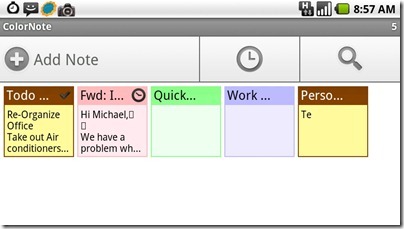
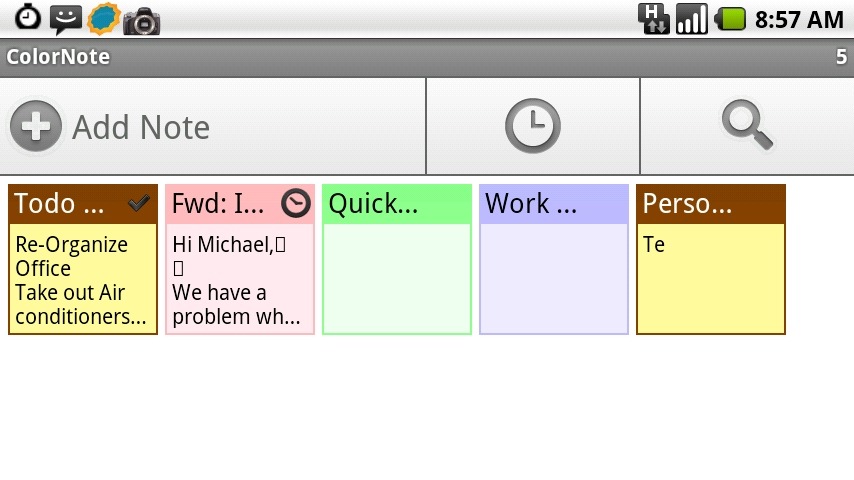
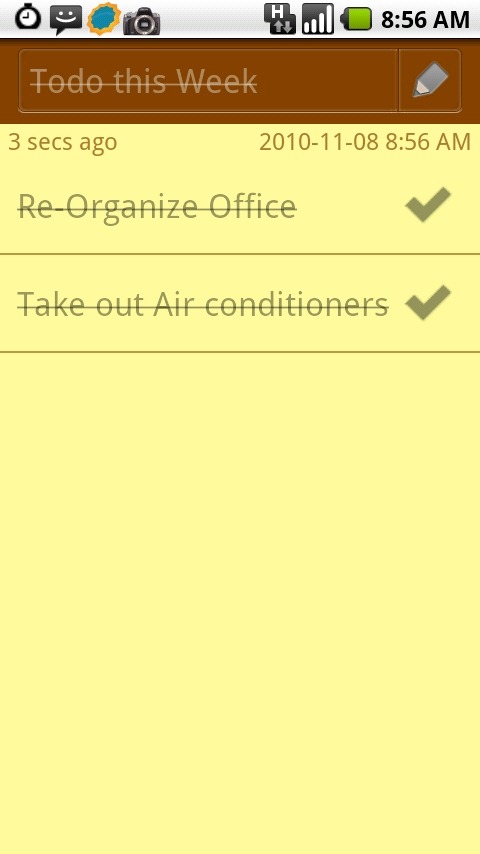
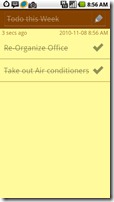 I know it’s Tuesday but over the weekend I wiped and re-setup my phone. This threw off my Mobile Monday post. So here it is a day late, and our app ColorNote. A simple notes application that has a lot of really great features. It supports 2 types of notes, Text and Checklists. The text notes are what you would expect, great for free form notes. The checklist allows you to create lists that you can be sorted and checked off. The interface is very visual and at its heart seems to be based on the post-it note. Right down to the widget that lets you add post-its to your home screens. Having multi coloured post-it notes on my home screen makes it easy to make quick notes and use the basic checklists.
One feature of ColorNote that I haven’t really used is the reminders. You can set reminders for each note. The 5 Quick Settings let you set reminders quickly, (Remind me Always, Remind me Today, Remind me in 15 minutes, remind me in 30 minutes, Pin to status bar) or you can use one of the 3 built-in reminders types to build your custom reminder.
Continue reading “Mobile Monday: ColorNote”
 Today we have a late post for our Mobile Monday. Left has kept me from posting it earlier, but it’s still Monday so here it is. Today we look at PhoneWeaver from SBSH Mobile Software. I first found SBSH software when I was looking for software for my old Windows Mobile phone. I was thrilled when I found out the were developing for android. They have 3 apps on the android market and in the coming weeks I hope to review both SafeWallet and GoNews so stay tuned.