When After the Deadline was first released for Firefox in the beginning of February, I thought it looked interesting. So I installed the Extension to see how it would hold up to day-to-day use. In the 3 weeks that have followed it’s become integrated with my day-to-day work flow. I even find myself taking chunks of text from desktop applications and coping them into a web form so I can use it. Of course if you’ve never heard of After the Deadline you are wondering what I’m talking about.
After the Deadline is an open source server software that provides spelling, style, and grammar checking. The service is free for personal use, and commercial users can run their own server. It has an open API so Plug-ins can be developed to integrate its functionality into almost any application. Right now I’m running both the Firefox Extension and the WordPress Plugin. It’s moved me out of Microsoft’s Live Writer for writing my posts because I want to use it to check my writing. I’m thinking that it might be an interesting exercise to try to write an After the Deadline plug-in for Live Writer, though after using the built-in editor in WordPress for the last few weeks, I’m wondering if it’s worth it. Perhaps I should move to the web for my writing.
What makes this different from most spell checkers is that it’s very context aware and so it can spot the wrong use of words like ‘meat’ and ‘meet’ or ‘know’ and ‘no’. This is one of my biggest issues when writing, I spell the word right, it’s just the wrong word. Another great feature is that when it shows you your errors it has an option to see an explanation. For example this last sentence I had a hidden Verb, I had know idea what that was but a quick check of the explanation and now I do:
Though as with all automated checkers it’s not right 100% of the time, I’ve found it right most of the time. Add to that the ability to prompt you when you are submitting a form without running a check, makes it a great tool if you do any writing online.
Recently during meals Violet has asserted her independents . She is happiest when we let her feed herself. Of course we still sit there and help her, but she’s getting to the point were that is not needed. Of course she still hasn’t worked out how to use the spoon but she’s trying.
Today after returning from my suit fitting, I packed the family in the car and headed out. After strapping our to bundles of Joy in, I couldn’t help but snap this picture. At the time I opened the door and took a second picture. Thinking that the reflection would ruin this one, but when I pulled the different shots up on the computer It was the best one. The reflection adds a bit of depth to the shot, it also show that I took this with one of our cell phones.
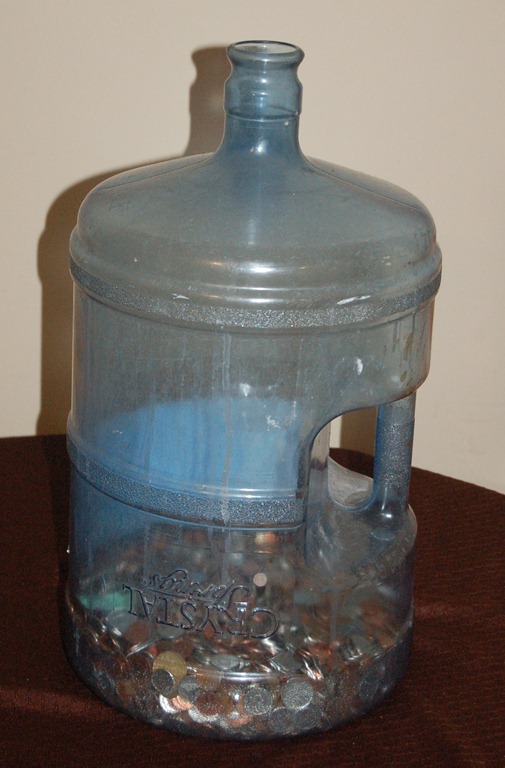
A while back Melissa and I turned an old water bottle into a Change Jar. We try to put our loose change in there every night. We’re hoping to fill it up and use the money for something special for the family, like a trip. Recently Violet has found it and her new game is to put what ever she can find that fits down into the bottle. Last week I fished out the toy spoon she got with her dolls, plus assorted odds and ends. I could be upset but it’s not that big a whole and she’s shown great hand eye coordination to fit some of the things into it. Who needs a shape sorter when you have a water jug.
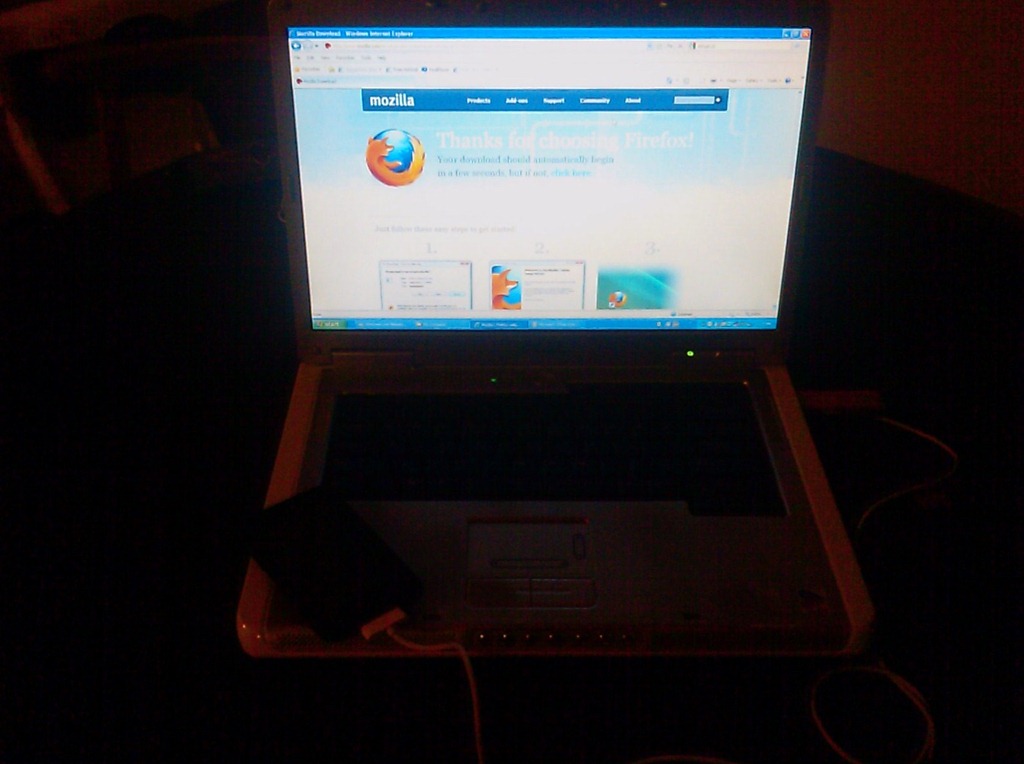
Today I was a spent the evening providing a cousin tech-support. It seems she got tricked into downloading Security Tool. A fake anti-virus that holds your computer hostage unless you register it. It took a few hours but I cleaned up her system and took the opportunity to install a better browser.
Sorry about the low quality of the picture today. I am have some technical difficulties with my cameras. Should be cleared up by tomorrow.
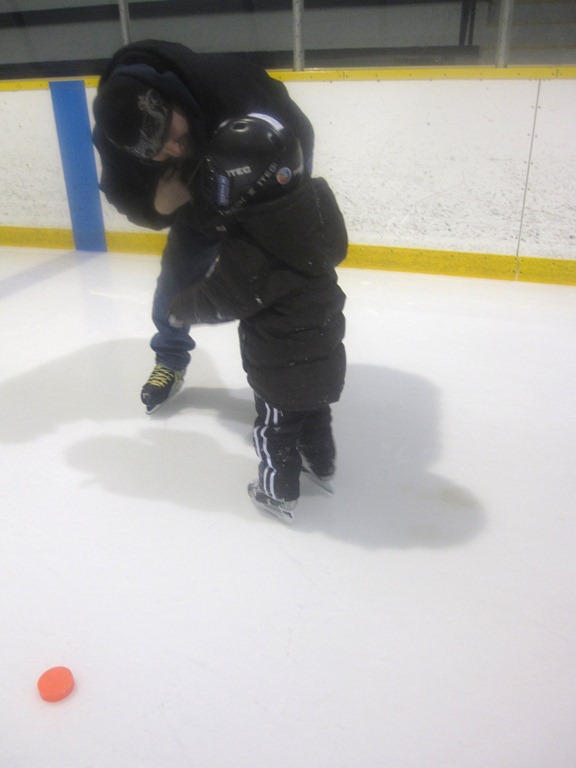
Over the course of Jacobs skating lessons this year, I’ve strapped on my own skates three times, the first time was to see just how bad a skater I am. I hold my own, I haven’t fallen yet. The second was because Danny couldn’t make it and some one had to do it. Tonight was the third, I am getting better. I even got down on the ice to try and encourage Jacob to stand up on his own today. Since cameras are frowned on during the lessons it’s not always easy to get pictures. Today’s shot is of Danny talking to Jacob after he just stood up from the ice. Watching him try to stand is frustrating. He can do it all by himself, he did it today. The problem is he doesn’t know he can, so whenever he has to stand he reaches out for help before trying himself. Once he tries first he should realize that he can do it. With only 2 more lessons I’m hoping he can pick it up before the end. I know we’re looking into the possibility of Jacob doing some skating in the summer but I’m not sure if we’re going to find any that works for us.
Last year in my old blog I ran a series of posts about Taming the Inbox. Where I talk about trying to get a handle on my 6+ email accounts and looking for a solution for managing my mail. I wanted to find something that was as flexible as I needed, worked well from multiple computers and my Windows Mobile cell phone. I never truly found a solution. I ended up embracing Postbox. When I started using it I tried to use the Topics to organize my mail but it didn’t last long. The biggest problem, after being lazy, is it doesn’t auto sync topics between computers. They sync as long as you have the same topics on both copies. Using lower case topic names seems to help. So I’m still looking for a solution.
For a while I’ve been thinking that the best solution would be to strive for an empty inbox. If my Messages didn’t pile up it would be easier to check them from anywhere. I’ve read some of Merlin Mann’s posts on the subject and I’m looking forward to his book inbox zero. I also looked at David Allen’s Getting Things Done work-life management system. I always felt they were a good idea, It just always seemed to much work to get started.
Last week I saw this video on smarterware.org and became inspired. Something about that video gave me the confidence I needed to try to empty my inboxes. I’m currently operating with a Virtual zero inbox. By that I mean, all my mail is still there but now it’s been tagged. Over all the virtual method is working great, Postbox as easy filtering on tags so that I can just see messages without a tag so it looks like my mailbox is empty. Of course the auto tagging of replies does cause a little bit of a problem.
The work isn’t done yet, everything from this year has been reviewed but I still have to go through the backlog from the past 3 or 4 years. I’m planning to move to actual folders soon, I’m just waiting to see if this really works for me before I commit to moving my mail. I’ll keep you posted.
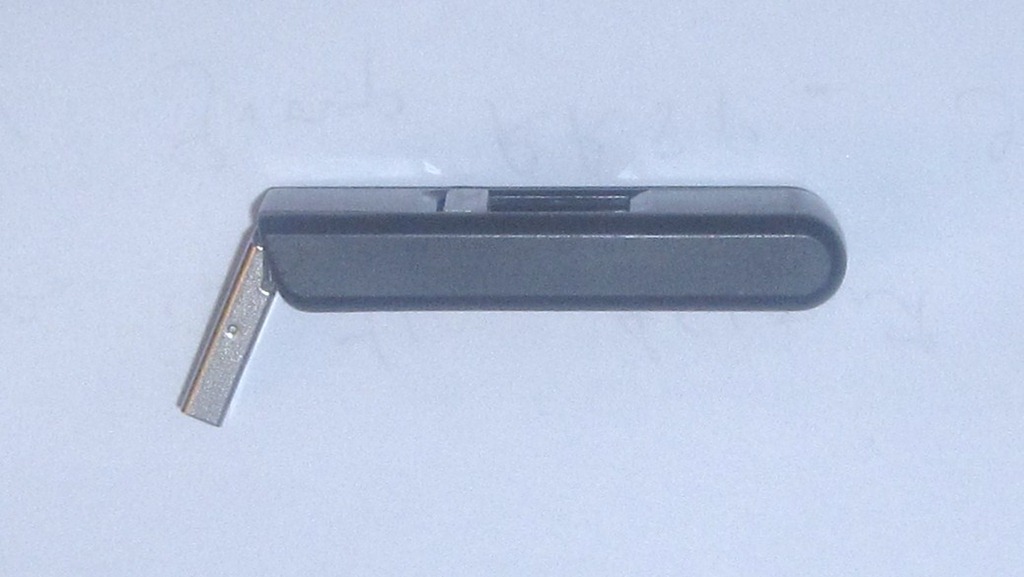
As part of the early spring cleaning Melissa and I are considering doing some rearranging. Moving My office from the Storage room at the top of the stairs to the Walk-In Closet in our bedroom. The perhaps turning the storage room into a kids toy depot. Some place for the bigger toys to have a home, perhaps a book shelf for the kids books. So tonight was spent measuring and organizing in preparation for the possible move. During one of the times I was in and out of my office I knocked a shelf I have stored against the wall across from my computer. It fell and though it didn’t hit my computer it it my Memory Stick that was plugged into the front of my computer. As I pulled the shelf off I had hopes that the stick would be ok, but when I pulled it out of the computer and saw it I new that it was toast.
Today was Family day. It’s only the second year that we’ve had family so there aren’t any real traditions for the day. Last year we went out as a family but this year we decided to just relax around the house. What started as just relaxing day turned in to chore day as we tackled a few loads of laundry and started going through one of our storage rooms. We’re beginning to look at some of our Baby stuff and think we wont need that again. It felt good to begin our spring cleaning early. Perhaps by spring we’ll be done. Leaving more time for family outings.
Today is Valentines day, so what better picture then Violet enjoying some Valentines gifts from her Nana and Papa. I had hopped for a more Family oriented day, but with Melissa working it just didn’t work out. Though I did have a good time with the kids. Jacob and I built a Crazy Fort train while Violet napped. When she was up she enjoyed crawling through it. I’m really looking forward to Family day tomorrow, Melissa isn’t working and we can spend the day as a family.