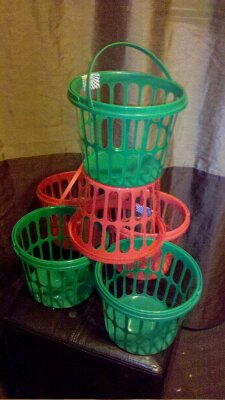
Last night Melissa posted a question on Facebook, she was wanting theme ideas for Violets second birthday. I know its been on her mind for a while, but with today marking Violets 22 month she was eager to figure it out. Well its been decided and she her inspiration was todays picture.
Today’s picture is a little blurry, but it was such a cute moment I just had to use it. We were heading out to chapters to look at some books, and Jacob decided to give his little sister a hug. I’m just glad we caught the moment.
Tonight was our first Parent Teacher interview. It seems weird to be sitting there with the teacher. Listening to talk about our boy, about the progress he’s made in the few short weeks he’s been going to school. It wasn’t as big a moment as sitting in his future classroom, meeting the teacher who would be his first teacher. Though it was still an important moment, a moment I am glad I was able to share with Melissa. I know that there will be future interviews were only one of us will be able to attend, I’m glad that today was one were both were at. The interview went well, Jacob is doing excellent at school. His love for numbers and letters is flourishing in the class room and so is his reading and comprehension. I’m a very proud father. Today is a day to celebrate his successes.
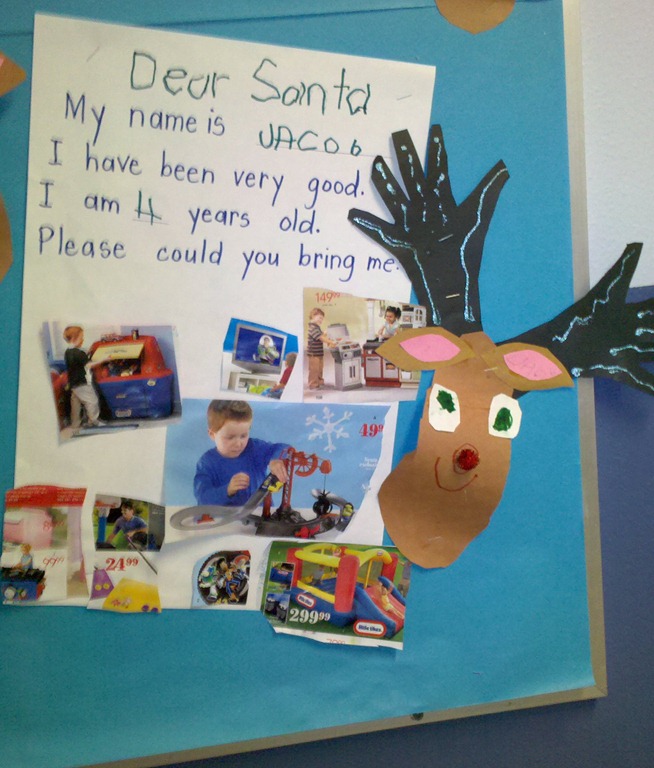
Our picture is of Jacob’s letter to Santa, the entire class did them, seeing the different things he’ wants was interesting. Though I’m not sure where we would put the bouncy house.
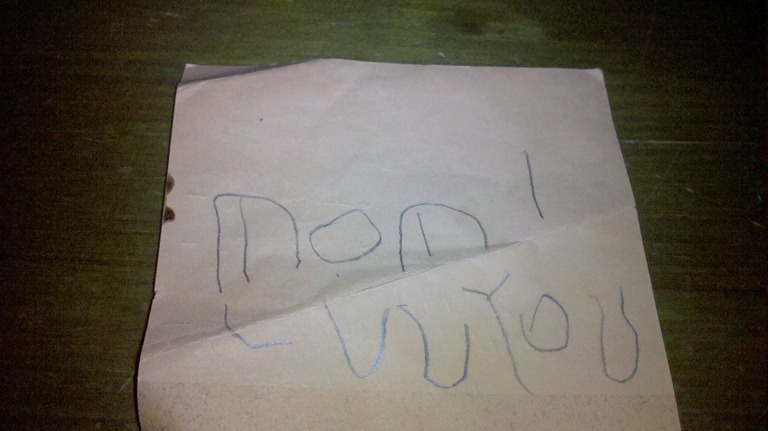
This morning our little boy did the sweetest thing, Melissa and I were laying in bed and he brought her this note. It’s amazing how well he wrote it. Except for his ‘U’ and ‘V’ looking a like it’s as good as mine. I guess his fascination with letters and words is starting to pay off. It was a sweet moment and a great way to start the day.
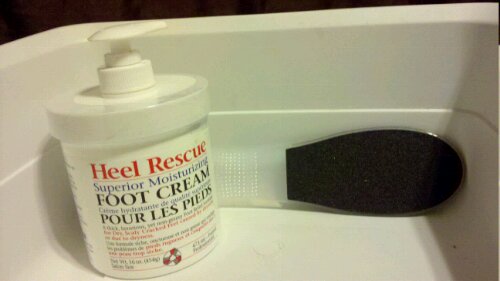
After days of me complaining about my feet Melissa has had enough. Today she picked up a foot file and some cream. So after getting this post online my feet will head back into the tube of water, so I can give them a try.
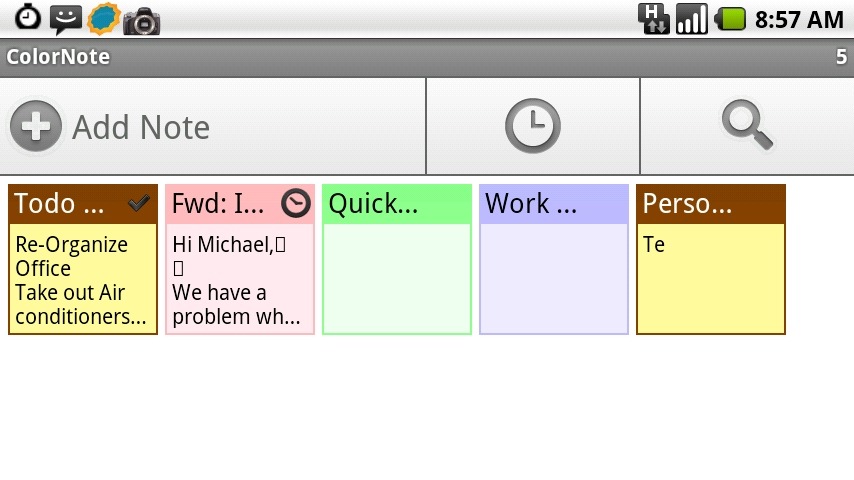
I know it’s Tuesday but over the weekend I wiped and re-setup my phone. This threw off my Mobile Monday post. So here it is a day late, and our app ColorNote. A simple notes application that has a lot of really great features. It supports 2 types of notes, Text and Checklists. The text notes are what you would expect, great for free form notes. The checklist allows you to create lists that you can be sorted and checked off. The interface is very visual and at its heart seems to be based on the post-it note. Right down to the widget that lets you add post-its to your home screens. Having multi coloured post-it notes on my home screen makes it easy to make quick notes and use the basic checklists.
One feature of ColorNote that I haven’t really used is the reminders. You can set reminders for each note. The 5 Quick Settings let you set reminders quickly, (Remind me Always, Remind me Today, Remind me in 15 minutes, remind me in 30 minutes, Pin to status bar) or you can use one of the 3 built-in reminders types to build your custom reminder.
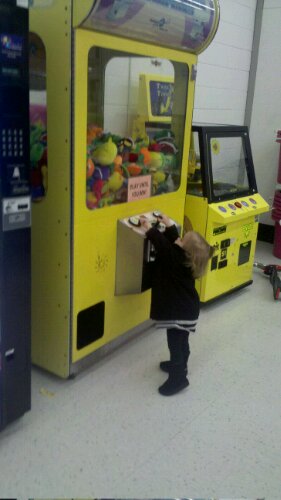
Today we bad a trip to Toys’r’us to pickup some things for christmas. While paying Violet say the claw game and rushed over to give it a try. I felt bad that I didn’t have any loonies to let her play for real.
Today while out and about we stopped in one of Jacob’s favourite stores. Though it’s not the store that he likes it’s the stack of keyboards that he can play. Even Violet got into the act, unfortunately I was unable to get a picture of that.